See personal vs team AI accounts across your dashboards

David Danialy
July 2, 2026 · 4 min read
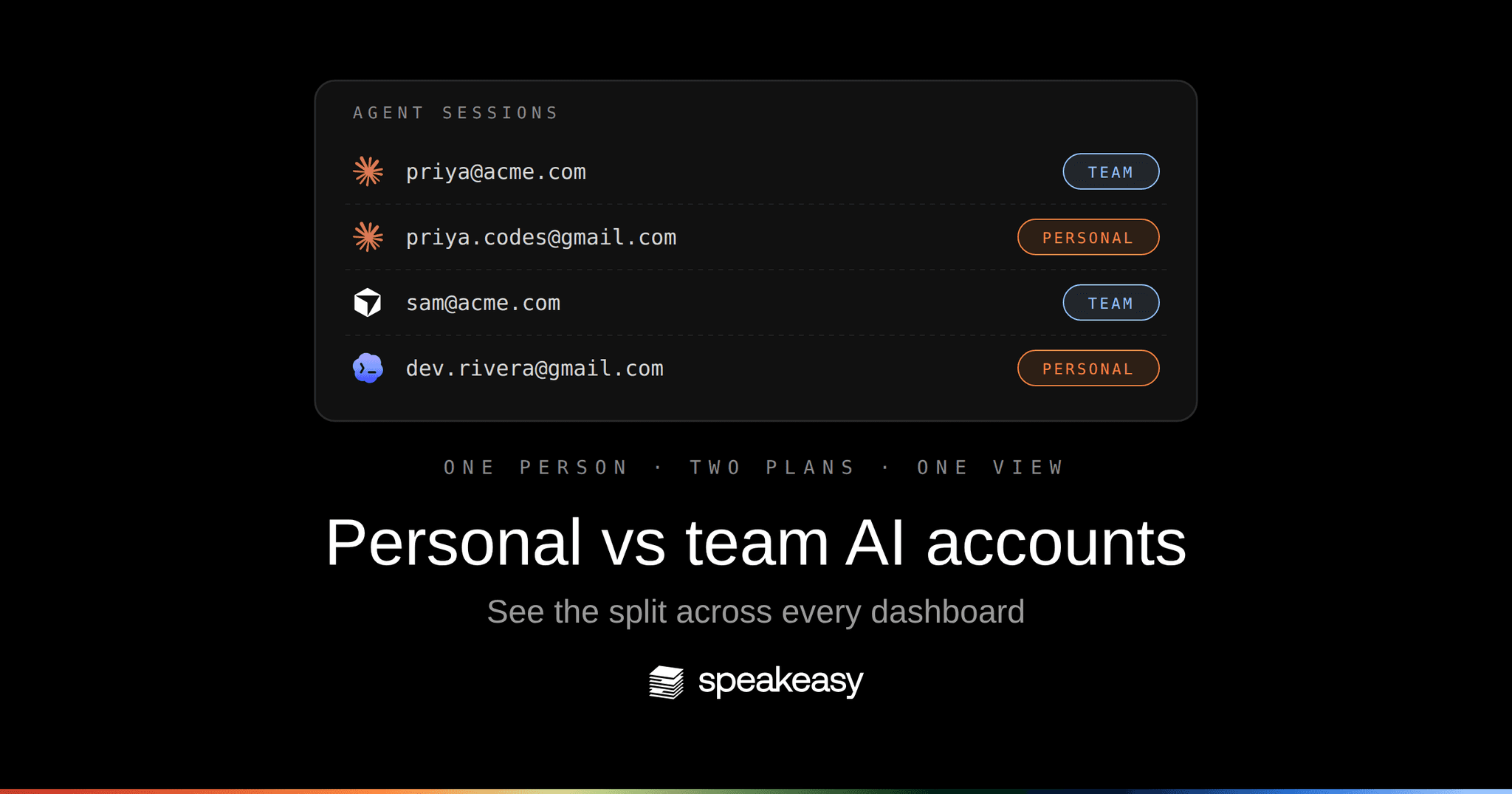
Half your Claude usage probably isn’t on the plan you’re paying for as a team.
Developers run Claude Max on their work laptops because the token limits are generous and the plan is cheap. That’s fine. It’s also invisible. The usage happens on a personal account, on a company device, against the same MCP servers your enterprise seats hit, and until now your dashboards lumped it all together. You could see the spend. You couldn’t see whose plan it landed on.
Personal plans are one of the most common forms of shadow AI, and the economics explain why. A flat Max or Pro subscription buys far more frontier-model inference than the same spend at metered API prices, so your heaviest users reach for them, and that usage lands on accounts the company can’t centrally see. But governing AI usage means seeing all usage regardless of license type.
With this release, Speakeasy can now provide teams with a unified view. Every observe dashboard can tell a personal account apart from a team one, and you can filter on it.
What changed
Account type is now a first-class dimension across the observe surfaces:
- Agent sessions carry a per-session badge, so you can see at a glance whether a session ran on a personal or team account, and filter the list by either.
- Logs filter on the same
account_typeattribute. Anything unclassified counts as team, so a trace never silently disappears from the default view. - Employees (list) gains an accounts column: for each person, the AI accounts tied to them, their provider, and whether each is team or personal. Filter the table by account type to find everyone driving personal-account usage.
- Employees (detail) adds an AI Accounts card and an account scope selector. Pick one account and the whole page (metrics, data-flow graph, usage over time) re-scopes to it. The default stays the cumulative all-accounts view.
This is a cost-arbitrage story. Run Claude Max where it’s cheaper, keep enterprise where you need it, and see both sides of the split in one place with the same governance applied to each.
How it works
Classification happens once, on the account behind each session. A session’s email resolves against your org membership. If it matches a member, the account is team; if it doesn’t, it’s personal. Where providers expose an enterprise org id in their OpenTelemetry payload, that becomes a per-account discriminator, so the same person’s Claude Max and Claude enterprise usage stay cleanly separated even when the emails differ.
On the backend, each user now carries an accounts[] summary (id, provider, email, account type, external org id), sourced from the user accounts directory and attached to user search. The external_org_id filter flows through the metrics summary, observability overview, and employee data-flow graph queries, which is what lets the per-employee account selector re-scope an entire page to a single account.
Because Speakeasy already sits in the path as the MCP gateway, none of this needs new instrumentation on the client. The accounts are already visible where the traffic flows through.
Why it matters
A personal Claude or ChatGPT account sits outside every control the vendors sell to organizations. There’s no admin console, no compliance API to export what the model saw, no audit log of the tool calls an agent made into your systems, and on the consumer tiers, training is on by default. Frameworks like ISO 42001 and SOC 2 ask for a reconstructable record of how an AI system operated. For work done on a personal seat, that record was never created, because the activity lives in a tenant the company doesn’t own.
Work done via personal license is a shadow AI blind spot. Once you can see which sessions ran on personal accounts, you can scope an audit to them, apply the same governance you already run on managed seats, and answer the questions compliance depends on: which tools are in use, on what data, by whom, and to what end. Because Speakeasy captures the traffic on the device whichever license is behind it, the personal-account usage that used to be invisible now carries the same evidence trail as everything else.
Get started
Open Agent sessions or the Employees page in your dashboard and look for the account type filter. If your team runs a mix of personal and enterprise AI plans, and most do, you’ll see the split immediately.
Running personal and enterprise AI plans side by side and want a handle on both? Book time with our team and we’ll walk through it with you.
Last updated on