Introducing AI Cost Control: full visibility into what every agent spends

Nolan Di Mare Sullivan
July 15, 2026 · 9 min read
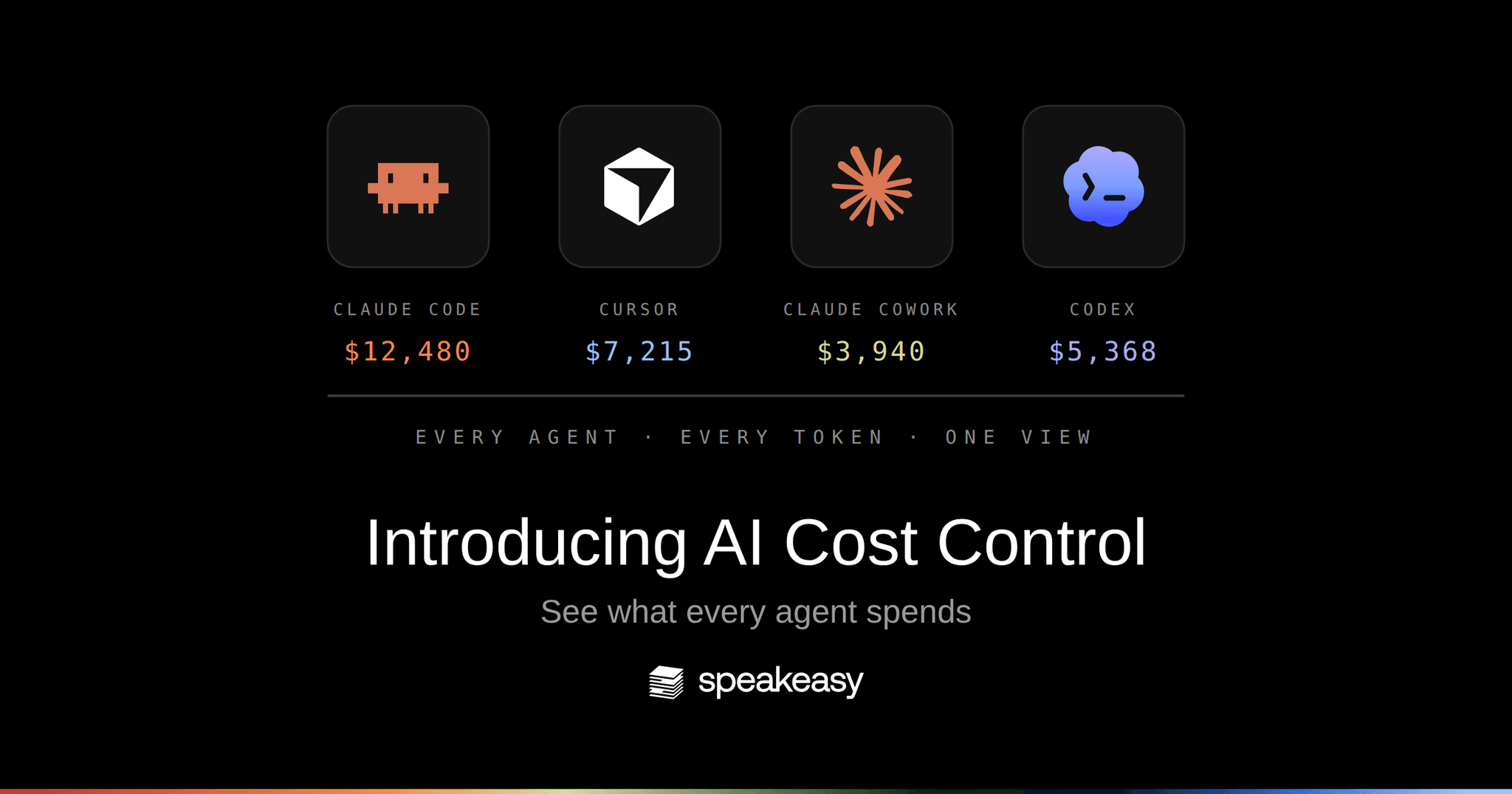
Today we're introducing AI Cost Control: full visibility into what every AI agent in your organization spends, built into the Speakeasy AI Control Plane.
Whether your team is running in Claude Code, Cursor, Claude Cowork, or Codex, Speakeasy captures turn-by-turn usage data in real-time to create a consolidated view of spend that your team owns. You can see tokens in, tokens out, cache reads, which model was used, and what that specific turn cost. Spend rolls up by employee, team, tool, and account type, so the question "what did we spend on AI, and on what?" can be pulled in seconds.
Why do companies need to track AI costs?
AI is becoming a financial line item surpassing the scale of cloud. Forecasted spend is projected to be up 47% to $2.59T, more than three times what Gartner forecasts enterprises would spend on public cloud services in 2025.
FinOps discipline around cloud gradually developed over the course of a decade. AI spend doesn't have the benefit of time, and faces an additional complication that cloud never did. Nearly every company concentrated cloud spend on a single provider (AWS, GCP, Azure). AI spend at every company is scattering over dozens of tools:
- Model APIs from OpenAI, Anthropic, and Google, each with its own invoice
- Agent and coding-assistant seats: Claude Code, Cursor, Copilot, Codex
- AI features metered inside the SaaS tools you already pay for: Linear, Glean, GSuite
There is no consolidated bill. Every vendor reports its own slice, in its own format, with no shared notion of which team, project, or task the spend belongs to.
What's the ROI on AI spend?
Most organizations cannot answer this question, because ROI needs both a numerator and a denominator. And while value is often hard to define, the denominator (spend) should be black and white. Unfortunately, given the proliferation of AI tools, most companies can't even confidently estimate and allocate the cost of their AI adoption: what was spent, by whom, doing which work.
The consequences of not knowing are already visible. Uber's COO described the company burning through its entire 2026 AI budget in four months as agents scaled up. Gartner predicts more than 40% of agentic AI projects will be canceled by the end of 2027, citing escalating costs, unclear business value, and inadequate risk controls.
Why can't companies track AI costs today?
Three structural problems stand between an engineering leader and AI spend they can account for and keep within a limit.
1. Every tool reports differently, if at all
Each AI client has its own telemetry story: some export usage data, some expose an analytics API, some offer only an admin console total. Nothing lines up across vendors. A company running Claude Code, Cursor, and Codex side by side (which is most companies at this point) has three dashboards, three definitions of a "session", and no way to compare them.
2. Spend is split across enterprise and personal licenses
AI adoption has bypassed procurement. Real company work runs on a mix of:
- Enterprise contracts the organization negotiated and can see
- Team plans a department expensed
- Personal licenses, like a Claude Max plan on someone's Gmail, that the organization can't see at all
The personal slice is invisible to every official reporting channel, and it's often where the heaviest usage lives. Any cost picture that skips it is fiction.
3. There's no way to enforce a budget
Reporting problems have a manual workaround: someone exports the numbers once a month and builds a spreadsheet. Enforcement has none. The controls vendors ship sit at the wrong altitude. A spend cap on an API key applies to everything behind that key, and a subscription seat offers a single lever, which is taking the seat away. Finance budgets by team and by quarter, and no provider control is shaped like that.
The timing is wrong as well. Provider alerts are tied to a billing cycle, so the signal arrives after the money is gone, often weeks after. An agent looping on an expensive tool can burn a quarter's allocation in an afternoon, and the first firm notice shows up on the invoice. The exposure grows as vendors move from flat-rate to usage-based billing, because the metered share of the bill scales with how much work an agent does. We covered that shift in the AI subsidy is ending.
That leaves a blunt choice: let usage run uncapped and find out at invoice time, or restrict access and watch adoption stall. A budget that holds has to sit on the path between the person and the model, close enough to a request to stop it, and that's a place no vendor dashboard reaches.
How Speakeasy helps track and control AI costs
The AI Control Plane sits between the agents your employees use and the model providers. Speakeasy deploys a device agent across your employee base that records AI usage at the machine-level. That allows you to track usage across every agent, and every license type in a unified event stream.
Sessions are normalized against the OTel GenAI semantic conventions and joined with identity, with the device-enrolled work email taking precedence over whatever email an account reports about itself. Where a fleet already runs MDM, the agent ships through it and is in place before anyone opens a laptop. Teams without MDM reach the same coverage through in-client plugins or the gateway.
That normalized data lands in one dashboard your team owns, filterable down to a single turn. Three things it puts in front of you today:
- Turn-level session costs. Input, output, and cache tokens, the responding model, and what each turn cost, on every message in the session logs. Tool calls and results carry byte counts, so an oversized payload stops being invisible. We shipped this first for Claude Code sessions and have been extending it across clients since.
- Cross-agent consolidation. Claude Code, Cursor, Codex, and Claude Cowork spend in one view, with one definition of a session and one cost figure, across team and personal accounts alike. Token-derived figures read as estimated cost until an admin declares a provider's billing mode, so a flat-rate seat never poses as metered spend.
- Breakdowns by user, team, agent, and session. Slice spend by employee, team, division, role, model, and source, down to the MCP servers, tools, and skills driving it. Every slice drills into the sessions behind it, and each session shows the chat title that produced the spend.
What's coming next
Visibility is the foundation; control is the roadmap. Over the coming weeks we're extending AI Cost Control with:
- Budgets for teams and individuals. Set spend thresholds per team or per person, with the control plane enforcing them on the same path it already governs.
- Automatic work categorization. An LLM-based labeling pass that tags each turn with the kind of work it performed, so spend maps to outcomes ("code review", "ticket triage", "research") instead of raw token counts. This is the denominator side of the ROI question, answered automatically.
- Startup token capture. The tokens a session burns before the first real task (loading system prompts, skills, and MCP servers) measured separately, so you can see how much of your bill is overhead.
- Deeper client coverage. Turn-level parity for Codex sessions, plus cost and token support for Claude on web and desktop.
- Subscription spend in the same view. Flat-rate seats and metered API spend reconciled in one place, so the full AI bill lives in one report.
Get started
If your agents are already exporting telemetry to Speakeasy, open a recent session in the logs view and click the usage badge on any message. The turn-level breakdown is there now, and the Costs page rolls it up across your organization. If you're not on Speakeasy yet, cost tracking joins the rest of the AI Control Plane: the same platform that connects your agents to tools, secures every interaction, and now meters what each one spends.
Rolling out AI across your org and want to know what it actually costs? Book time with our team and we'll walk through it with you.
How does Speakeasy track AI costs across different tools?
Speakeasy deploys a device agent across the employee base that records AI usage at the machine, which is the one place every session passes through no matter which client or license produced it. That telemetry (OpenTelemetry exports, hooks, and provider integrations) is normalized against the OTel GenAI semantic conventions and joined with employee identity, so every agent session lands in one dataset with a cost, an owner, and turn-level detail.
Can Speakeasy track spend on personal AI accounts like Claude Max?
Yes. The device agent records usage at the machine, so a personal-account session is captured the same way a managed enterprise seat is, and something an enterprise account export can never see. Device enrollment ties those sessions to a work email, and the dashboard splits usage by account type (Team versus Personal) and provider. Personal-account sessions are flagged, and each employee's linked AI accounts are listed on their profile.
How is tracking AI costs different from tracking cloud costs?
Cloud spend concentrates in a few hyperscalers that each provide a detailed bill and a mature cost API. AI spend scatters across model APIs, agent seats, and AI features embedded in SaaS, with a mix of enterprise contracts and personal licenses and no shared reporting format. Tracking it requires a layer that sits on the path of AI usage itself rather than reading vendor invoices.
Does AI cost tracking require code changes?
No. Sessions from clients that export telemetry to Speakeasy are enriched automatically, and there's nothing to configure beyond the telemetry export the clients already support. Admins can optionally declare each provider's billing mode so metered accounts show confirmed cost instead of estimates.
Last updated on