MCP tunnels: govern private servers without exposing them

Thomas Rooney
June 30, 2026 · 4 min read
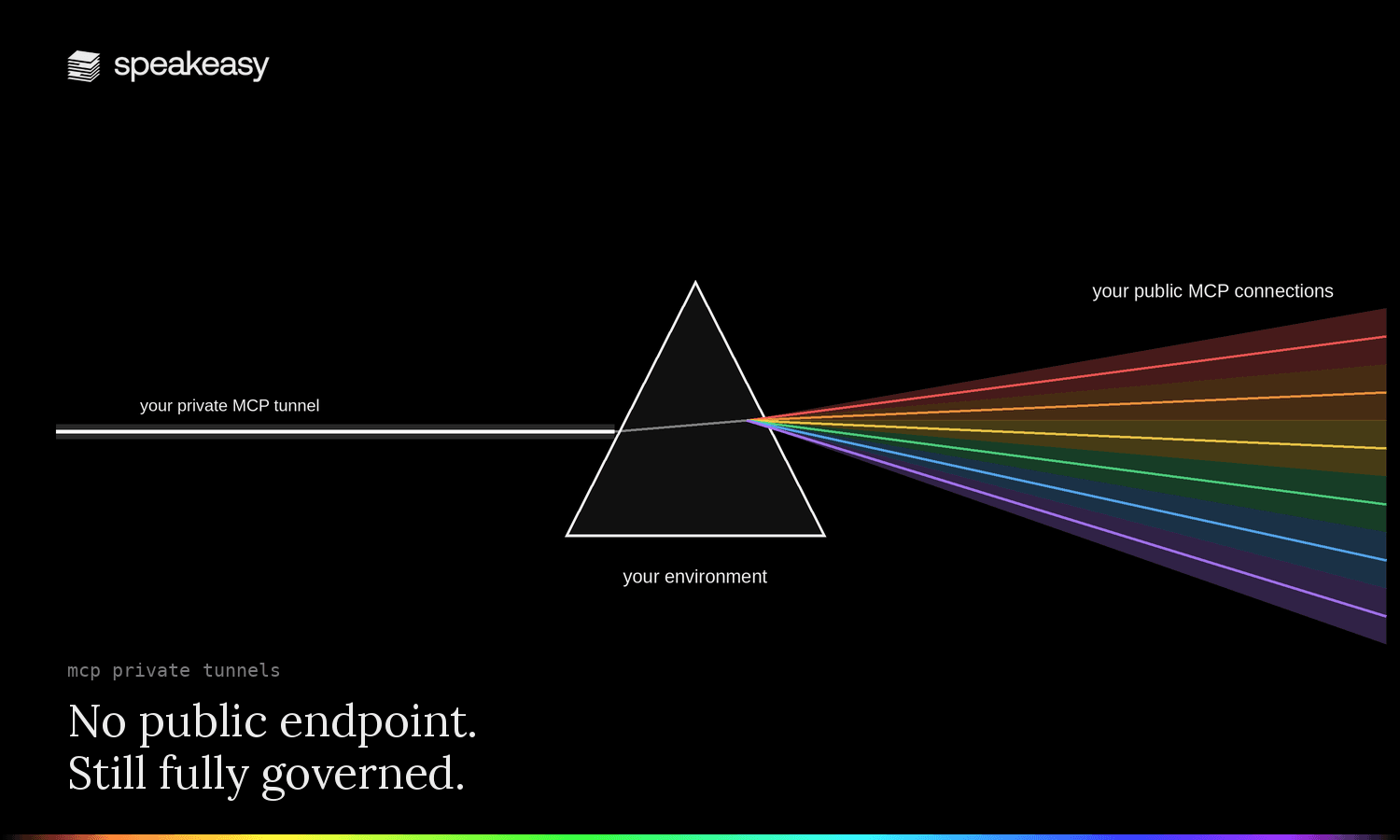
A Postgres MCP that runs queries against production, or an admin MCP that can set a user's license or flip a feature flag, is precisely the server you most need to govern. It's also precisely the server that sits deep inside your network, behind a firewall, with no reason to ever touch the public internet.
The internal MCP registry governs any MCP server Speakeasy can reach by URL, but a server behind a firewall has no URL Speakeasy can reach, so it never made it into the registry. Bringing it in used to mean giving it a public endpoint, and exposing it to the internet is the exact risk a firewall exists to prevent.
MCP tunnels close that gap by running a tunnel client inside the network that already reaches your server, which opens an outbound-only connection to Speakeasy. We proxy full MCP traffic to the server through that tunnel. There are no inbound firewall ports, no public hostname, and no new trust into your environment, and the server joins your registry like any other source.
How MCP tunnels create an outbound-only connection to private servers
A tunnel is an outbound-only path from a host inside your network to the Speakeasy control plane. The tunnel client runs somewhere that can already reach your MCP server, dials out over HTTPS, and pulls MCP work from the queue. When an agent calls a tool, the request travels down the established connection, the client forwards it to the server locally, and the response returns the same way.
A private server, reached without exposing it.
The governed path.
Agent surfaces reach the private server only through the Speakeasy control plane. The tunnel client sits inside the network and dials out over HTTPS, so no inbound port is ever opened across the firewall.
Because the connection is outbound-only, you never open an inbound port or put the server on the public internet, and there's no second address that quietly bypasses the tunnel. Traffic is held to hard tenant isolation, so the trust boundary doesn't move. Speakeasy reaches your server only through the path you opened, and nothing on the outside can reach in.
Governing private MCP servers with the same access control and audit trail
Once a tunneled server is in your registry, it inherits the model you already use. Authorization scopes what each role can call, down to the individual tool. Every call is tied to a real identity and written to the same audit trail as the rest of your servers, and the activity view shows the traffic flowing through the tunnel next to everything else.
That's what makes high-risk internal MCPs usable. Teams want to point agents at important but sensitive data sources, and a tunnel lets them do it as auditable, policy-governed activity instead of an ungoverned connection nobody can see.
One MCP tunnel, governed access for every agent surface
Anthropic and OpenAI both ship their own MCP tunnels, but each is a closed loop to that vendor's infrastructure. A Claude tunnel works only with Managed Agents and the Messages API, an OpenAI tunnel only with ChatGPT, Codex, and other OpenAI products, and neither publishes a way to carry the end user's identity through the tunnel.
A Speakeasy tunnel is vendor-neutral. You define the identity, logging, and trust boundaries once, and the tunneled server becomes reachable from any agent surface your team uses. Instead of running a separate tunnel client per vendor, connect Claude, ChatGPT, the Responses API, or your own agents through the same governed path.
One tunnel, every agent surface.
Anthropic and OpenAI each tunnel only to their own products. A Speakeasy tunnel is vendor-neutral, so the same private server is reachable from Claude, ChatGPT, the Responses API, and your own agents through one governed path.
Together with network-level access, it gives you an internal AI service mesh, with private servers your agents can reach that stay invisible to everyone else.
When you turn on tunnels, your team can:
- See private MCP server traffic in the same observability view as the rest of your registry.
- Apply access controls and security policy to servers that never leave your network.
- Replace per-vendor tunnels with one cross-platform connection.
Rolling out
MCP tunnels are rolling out per organization. Reach out to have them enabled for yours.
Add a private MCP server to your registry
Tunnels are configured as a source in your Speakeasy dashboard. Add a tunneled source, run the tunnel client inside the network that reaches your MCP server, and once it dials out the server joins your registry, governed, audited, and observable next to everything else you run.
Have private MCP servers too sensitive to expose? Book time with our team and we'll help you bring them into your registry.
Last updated on