The Speakeasy Platform MCP: run the platform from your favorite agent

Nolan Sullivan
August 28, 2026 · 5 min read
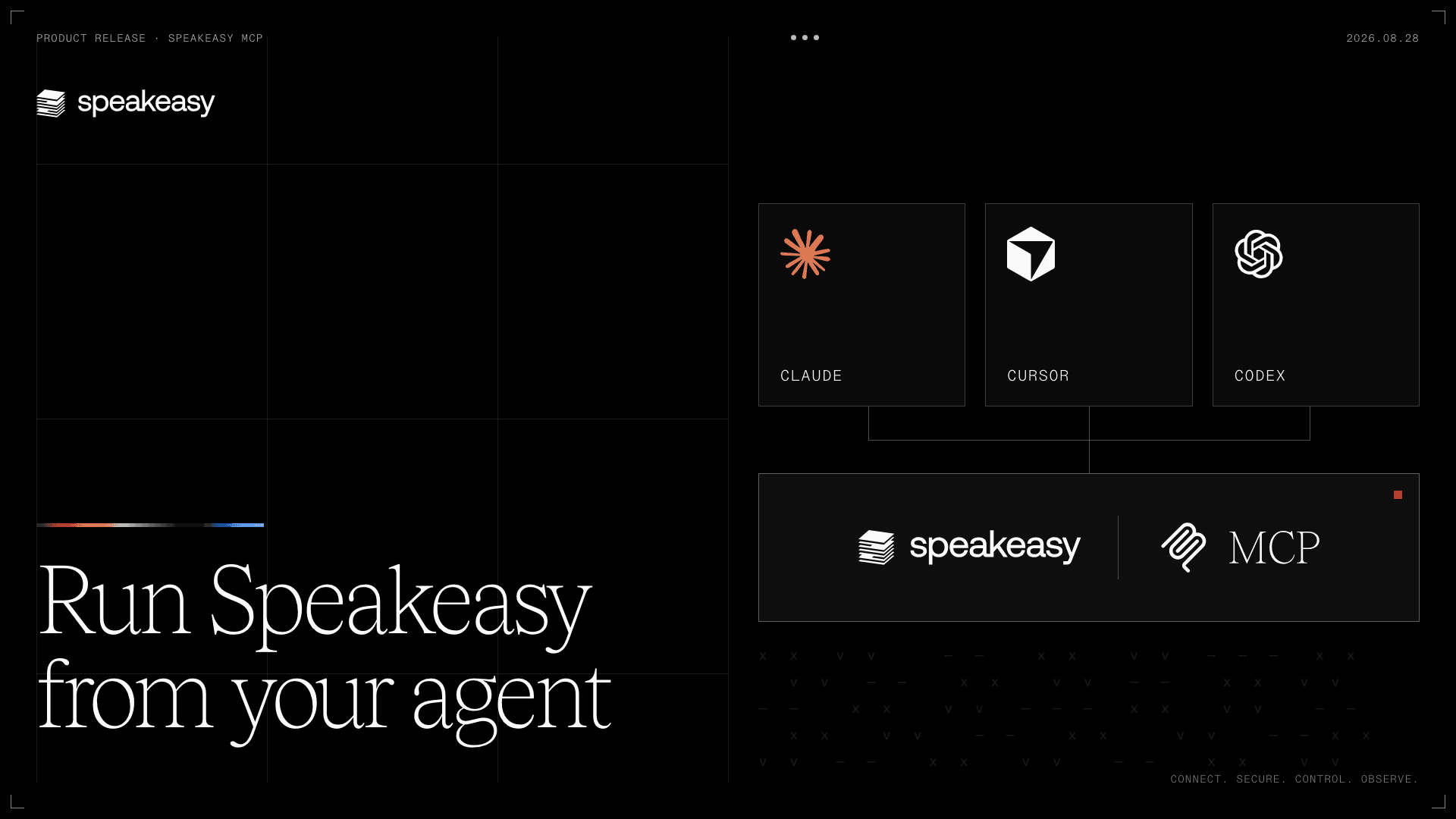
Adding an MCP server to a team's workflow involves more than registering its URL. An administrator needs to check the server, add it to a project, distribute it to the team, and diagnose connection failures. The Speakeasy Platform MCP makes those gateway management tasks available to the coding agent already helping with the work.
This release includes a first-party MCP server and reviewed skills for the Speakeasy AI control plane. Organization administrators can use them to manage gateway resources from Claude, Cursor, or Codex, with each tool call checking their current administrator grant.
Why manage an MCP gateway from your agent?
An agent helping troubleshoot a connection needs the project configuration and diagnostic results. Exposing that information through MCP lets it query the platform directly, so the administrator can work through the problem without copying results out of the dashboard.
Sam Broner described the demand for this kind of access on X:

The fact that SaaS co's are giving us agents instead of MCPs shows just how self-centered / narcissistic they are.
I never wanted to "live in your product." Your product was the best way to get something done. If the best way to get it done is now headless, please let me do that.
The same connection also gives the agent tools to act on that context. An administrator can search the MCP registry, register or update servers, distribute them through agent plugins, manage skills, and inspect agent observability without leaving the working session.
What MCP gateway management can the Platform MCP handle?
This first release covers the MCP gateway. The catalog below groups the available tools by task.
Platform MCP tools
Org and project context
The org you authorized, the projects you can see, and what each one already has.
- get_platform_context
- list_projects
- get_project_overview
- get_setup_handoff
Finding and adding MCP servers
Search the reviewed catalog, inspect a server before you commit to it, and register it privately into a project. Arbitrary remote MCP URLs register the same way.
- search_mcp_catalog
- inspect_mcp_candidate
- register_catalog_mcp
- register_remote_mcp
Managing what's in a project
Look up the servers a project already has, edit their metadata, and turn them on or off.
- find_mcp
- get_mcp
- update_mcp_metadata
- enable_mcp
- disable_mcp
OAuth and readiness
Connect a server to its OAuth provider, then check whether it works, for the project and for each person.
- attach_platform_mcp_identity_provider
- get_mcp_readiness
- get_user_mcp_status
Troubleshooting
Identify whether a failure comes from the platform, provider, or client, and suggest a repair.
- get_mcp_diagnostics
- get_mcp_repair_plan
Access control
Which client apps are allowed to call a server.
- get_mcp_client_admission
- set_mcp_client_admission
Plugins
Add servers and skills to existing plugins for distribution, or remove them.
- list_plugins
- get_plugin
- distribute_mcp_to_plugin
- remove_mcp_from_plugin
- distribute_skill
Skills
Author the skills that ship next to a connection, and version them.
- list_skills
- get_skill
- create_skill
- update_skill_metadata
- add_skill_version
- list_skill_versions
Observability
Events, metrics, and traces for the servers in a project.
- query_mcp_events
- query_mcp_metrics
- query_mcp_traces
Docs and feedback
Search the docs, and send feedback on the MCP itself.
- search_gram_docs
- send_platform_mcp_feedback
How to enable the Speakeasy Platform MCP
The rollout is available to eligible organizations and requires an organization administrator grant. Ask your Speakeasy contact to enable the Platform MCP before installing it.
Install and authorize the connection
Start from the Platform MCP entry point in the dashboard:
- Install the agent plugin or follow the documented native configuration for your client.
- Authorize the connection for your organization.
The video shows the setup flow.
OAuth consent, secret entry, and remote identity-provider attachment still require human action in the dashboard. The release also works with existing plugins; it cannot create, rename, or delete them.
To discuss enabling the Platform MCP for your organization, book time with our team.
What does the Speakeasy Platform MCP include?
The platform administrator API as a first-party MCP server, plus reviewed skills. Every tool rechecks a live organization administrator grant. From Claude, Cursor, or Codex, an org admin can discover a catalog server, register it privately into a project, distribute it onto an existing plugin, and diagnose whether a failure is configuration, the provider, or the client.
How do I get the Speakeasy Platform MCP?
It is a gated rollout to eligible organizations, and it needs an org admin grant and a Speakeasy contact to enable. After that, install the agent plugin for Claude Code, Claude Cowork, or Cursor, or use the documented native config for Codex and OpenCode, then authorize the connection for your organization.
Can the agent attach an identity provider or create plugins?
No. OAuth consent, secret entry, Client ID Metadata Document setup, and remote identity-provider attachment stay human steps in the dashboard. This release also doesn't create, rename, or delete plugins, create organizations or projects, mutate employees or devices, or author a new MCP server from an API. Destructive deletes are out of scope.
Last updated on