Gram billing and usage
Authentication
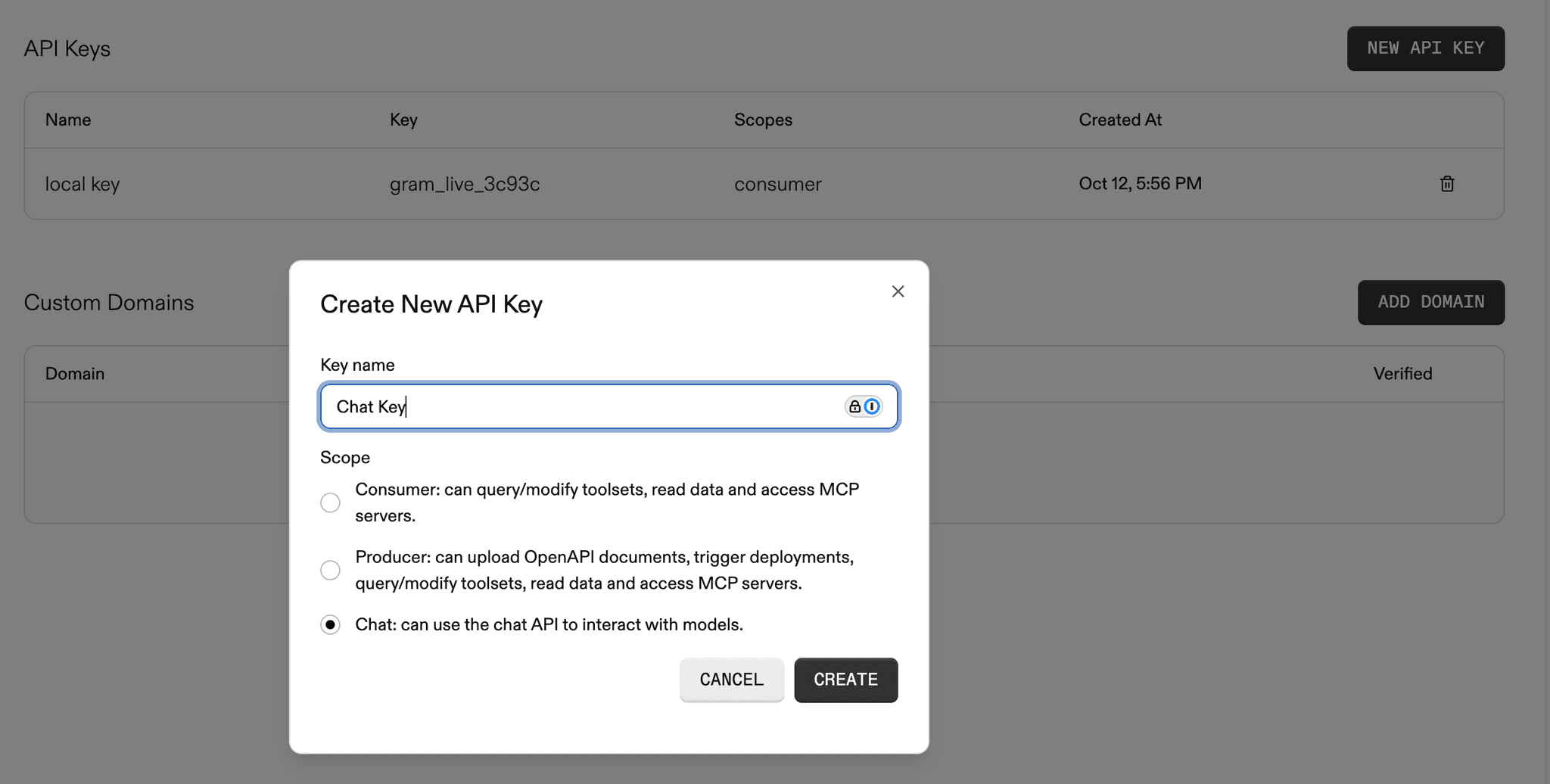
Section titled “Authentication”To use the Gram Agents API, create a Chat API key in the Gram dashboard and include it in requests.
Creating a Chat API key
Section titled “Creating a Chat API key”In the Gram dashboard, navigate to Settings and create a new API key with chat permissions.
Request headers
Section titled “Request headers”Include the following headers with each request:
Content-Type: application/jsonGram-Key: <your-chat-api-key>Gram-Project: <your-project-slug>The Gram-Project header specifies which project the request is associated with. Use default if not using multiple projects.
Billing
Section titled “Billing”Gram Agents API usage is billed as chat usage, similar to Playground usage. Model costs are tracked and billed based on the tokens consumed during agent execution.
Usage limits
Section titled “Usage limits”Default account chat credit limits apply to Gram Agents API requests.
To request higher limits upgrade your account or contact gram@speakeasy.com.
Monitoring usage
Section titled “Monitoring usage”Track Gram Agents API usage in the Gram dashboard under Billing.
