SDKs
Running SDK Tests
Run testing, via any of these options, depends on the desired use case:
- Directly via the
speakeasy testCLI command. - In GitHub Actions workflows.
- In the
speakeasy runCLI command and existing GitHub Actions generation workflow with additional Speakeasy workflow configuration.
Via CLI
Section titled “Via CLI”If you have multiple SDK targets the following will prompt you on which targets you would like to run tests for.
speakeasy testThis will run tests for all SDKs in the repo.
speakeasy test -t all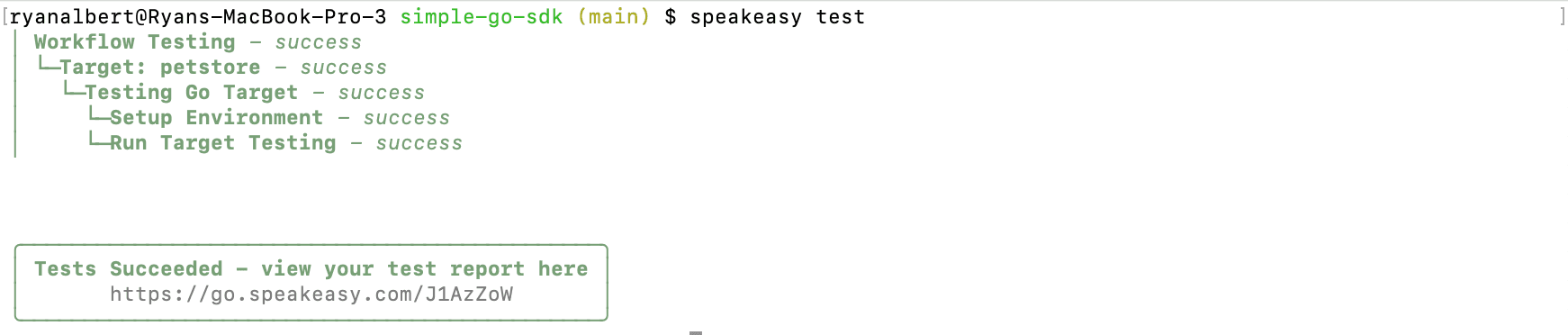
During Run
Section titled “During Run”For speakeasy run support, modify the Speakeasy workflow configuration (.speakeasy/workflow.yaml).
Enable running tests during Speakeasy workflows by adding to one or more of the targets in the targets section of the configuration.
targets: example-target: # ... other existing configuration ... testing: enabled: trueViewing Test Reports
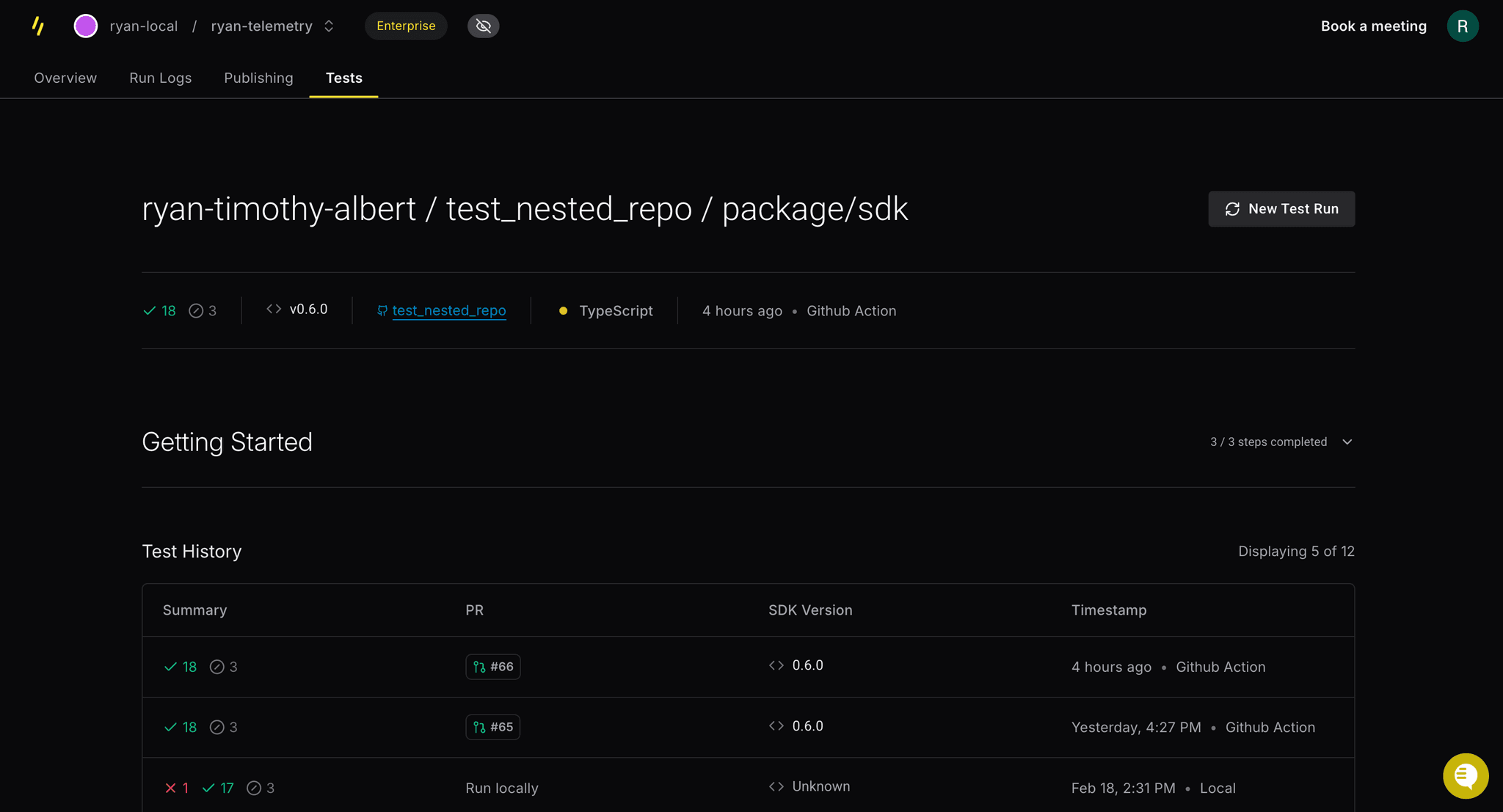
Section titled “Viewing Test Reports”View test reports by navigating to the Tests tab under a particular SDK in the speakeasy dashboard.
app.speakeasy.com