Shadow AI detection: see every harness, model, MCP server, and skill on your company's devices

Nolan Sullivan
October 16, 2026 · 5 min read
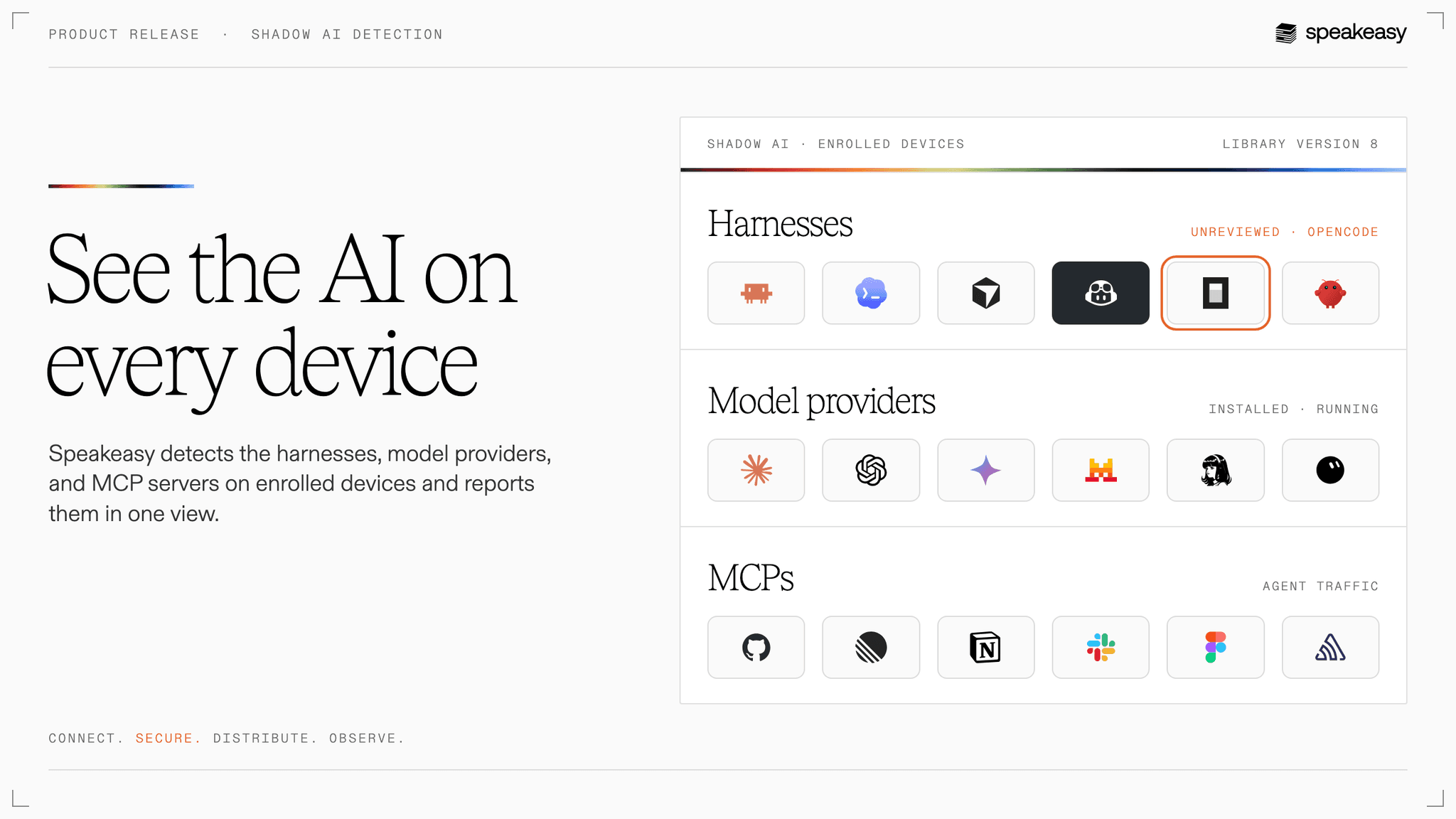
Ask a security team what AI services its company uses and the answer is usually the list of tools that went through official procurement. The real list is longer. A developer tries a new CLI agent over the weekend. Someone leaves Ollama running on a laptop. A team installs a skill from a public repo. A SaaS product's built-in assistant starts calling an MCP server the company hosts. None of it shows up in a vendor console, because no vendor sees all of it.
Speakeasy now detects shadow AI on enrolled devices. The device agent finds the AI on each machine and reports it to one Shadow AI page, so security and AI enablement teams can see what's in use, who uses it, and decide what's allowed.
Shadow AI takes four forms
Shadow AI is anything AI-related that reached the company without going through the team responsible for it. On enrolled devices, Speakeasy finds four kinds:
- Harnesses. Coding agents, AI IDEs, and assistants, from Claude Code, Codex, and Cursor to the long tail of tools Speakeasy has no integration with.
- Model providers. The models people run, including open models served locally through Ollama, LM Studio, or llama.cpp.
- MCP servers. The servers agents connect to, plus outside clients reaching your own servers, such as a SaaS assistant calling an MCP server your company hosts.
- Skills. The instructions and workflows people add to their agents.
One view of the AI in use
Each row on the Shadow AI page is a tool, with the number of people and devices using it and when it was last seen. Open a row to see every person it was found for, with their devices and versions. Each person's identity page shows the same detections from the other direction, under Security: everything one person runs, in one place.
That view answers the first question an AI enablement team asks before picking a standard: what do people already use? It replaces a survey with an inventory that fills in within one scan cycle and stays current after that.
Decide what reaches your systems
Finding a tool is the first step. Once security decides whether a harness should reach company systems, an admin marks it Approved or Blocked, with a rationale that goes to the audit log. The MCP gateway enforces a block when the tool signs in, across every MCP server in the organization, for tools that identify themselves with a client ID metadata document.
The same applies to outside clients reaching your servers. When a third-party assistant connects to an MCP server behind the gateway, admins can see it, refresh or revoke its access, and block it. MCP servers that agents reach go through the shadow MCP access review, where each server gets its own decision.
Speakeasy governs what reaches the systems it sits in front of. A blocked tool stays installed on the laptop, and removing software from a device remains a job for MDM or EDR.
A library of scan targets, kept current
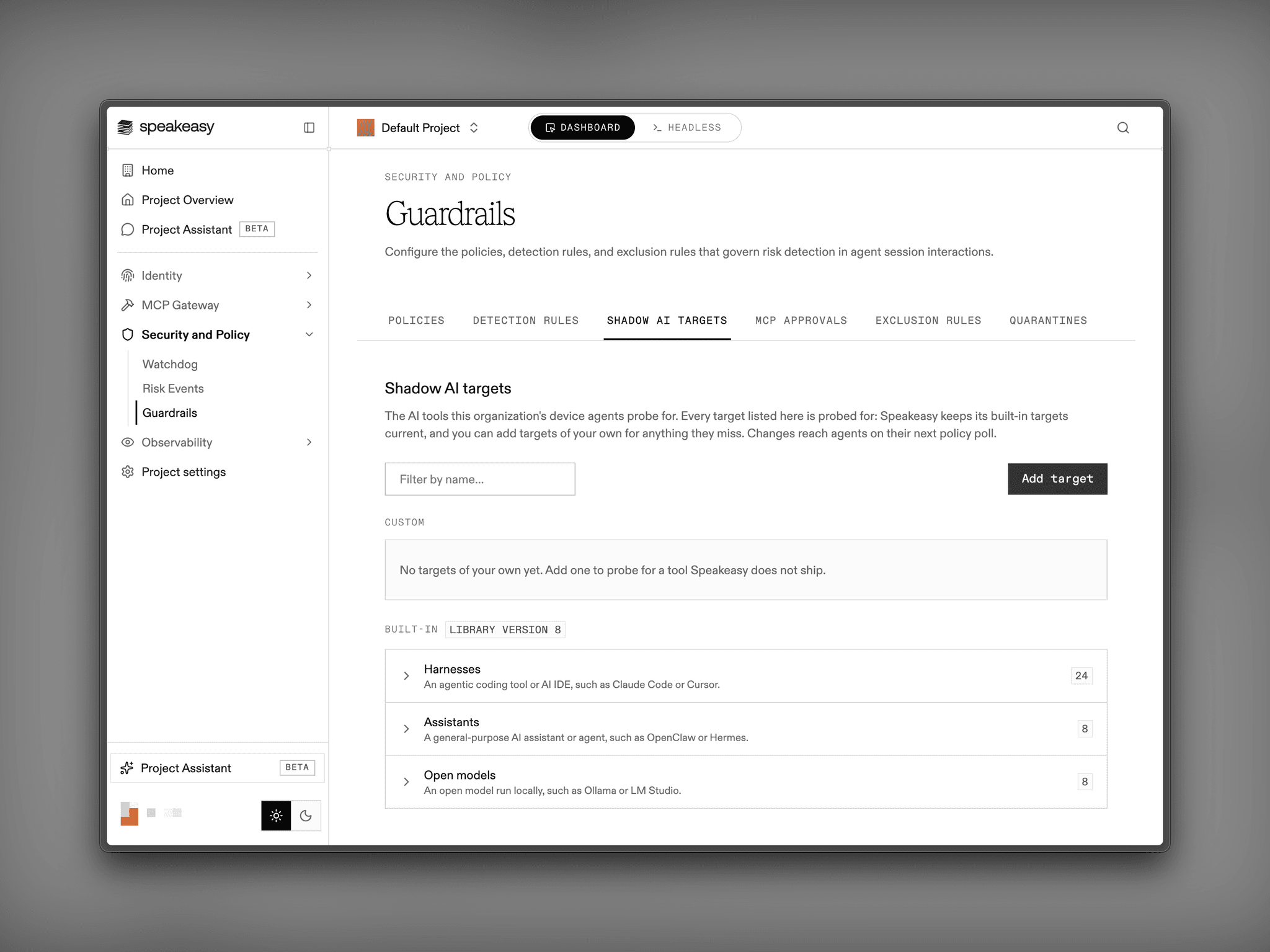
Devices check against a library of scan targets that Speakeasy maintains, with about 40 built-in targets across harnesses, assistants, and open models. The library works like the built-in detection rules: Speakeasy supplies and updates the built-in targets, and the Shadow AI targets tab in Guardrails shows which library version devices match against. Organizations add custom targets for internal or niche tools Speakeasy doesn't ship. Changes reach devices on their next policy poll, without an agent release.
Matching happens on the device. The agent sends back what it found and a record that the scan ran. It doesn't run the tools it finds or read prompts, shell history, or usage data, so the inventory shows what's installed and running, and leaves out what people do with it.
Get started
Shadow AI detection is available to AI Control Plane organizations running the device agent, which is in beta and enabled per organization. The Shadow AI docs cover the dashboard and access decisions, and the device agent docs cover enrollment. If you're working out which AI your security review should allow, we'd like to talk.
What counts as shadow AI?
Any AI tooling in use at the company that the responsible team didn't provision. Speakeasy detects four kinds on enrolled devices: harnesses such as coding agents and assistants, model providers including locally run models, MCP servers, and skills.
What data leaves a device?
Only the matches and a record that the scan ran. Matching happens on the device against the scan target library. The device agent doesn't run the tools it finds and doesn't read prompts, shell history, or usage data.
Can Speakeasy block a tool it detects?
Speakeasy can block a harness from reaching your MCP servers when the harness identifies itself with a client ID metadata document. The gateway refuses the tool when it signs in. The tool stays installed on the device.
Which operating systems are supported?
The shadow AI scan runs on macOS today. Windows and Linux devices enroll in the device agent and keep its other features.
How is this different from shadow MCP detection?
Shadow MCP detection is one part of shadow AI. MCP servers appear on the same Shadow AI page as harnesses, models, and skills, and each server keeps its own access review. A harness decision governs whether a tool may reach the gateway at all, while a server decision governs whether anyone may reach a particular MCP server.
Last updated on