Technical Reference · Tool definitions
Tool definitions
How APIs, functions, and external MCP servers become tools that agents can use
When a source is uploaded to the platform — an OpenAPI document, a Function, or an external MCP server — a deployment is created and processed. During processing, every operation defined in the source is converted into a corresponding tool definition. For an OpenAPI document, that’s every operation in the document. For a Function, it’s every tool declared in the function manifest.
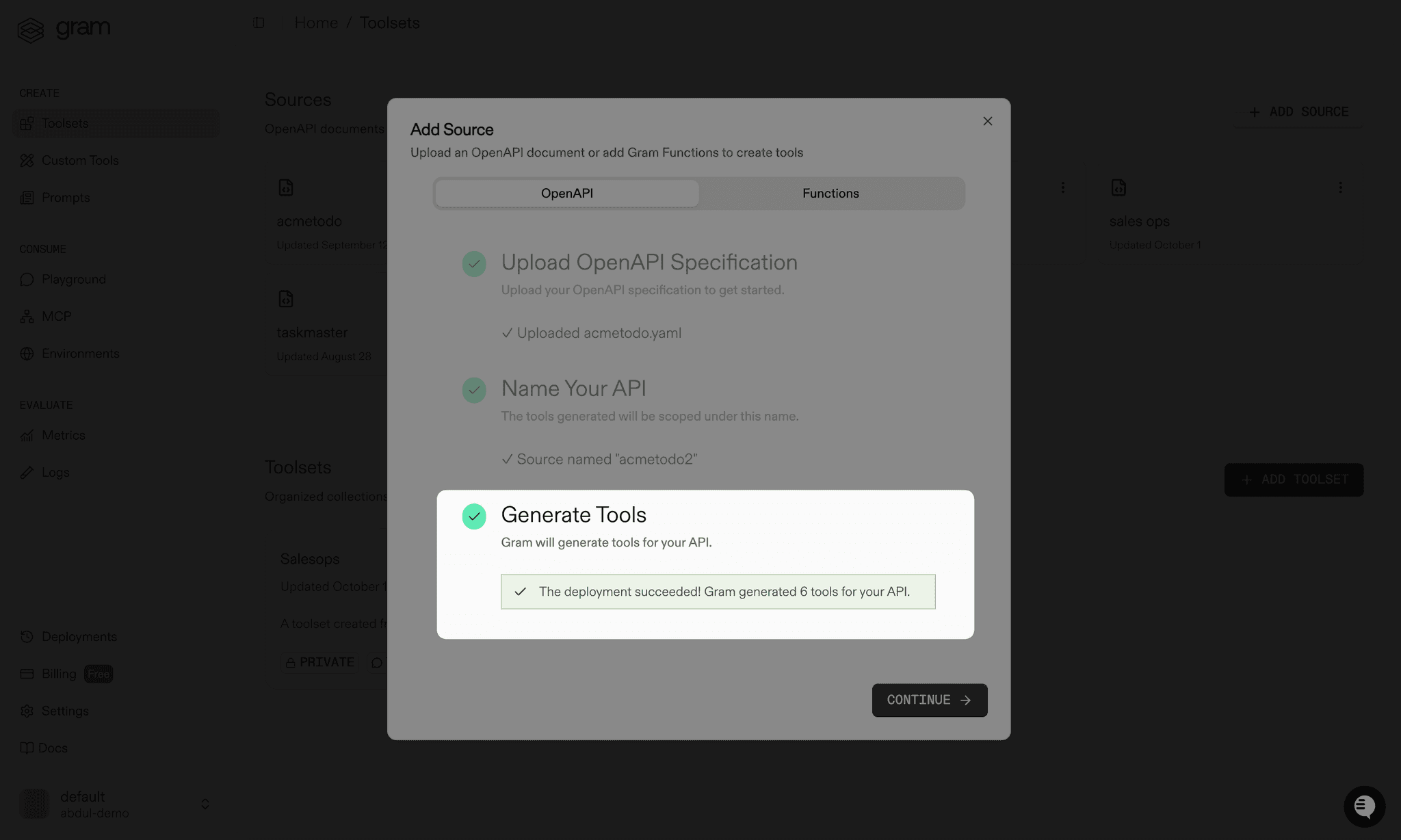
Tool definitions contain both the metadata needed to describe a tool to an LLM and the configuration the platform uses to execute the tool, such as how to construct the corresponding HTTP request to an API.
When building an MCP server, select the relevant tool definitions to expose, then invoke them through the Playground, the SDK, or the server itself. To build and proxy the HTTP request to the appropriate endpoint, the platform combines the tool definition with the selected environment. Each project starts with an environment named Default.
Choosing which tools a server exposes
Section titled “Choosing which tools a server exposes”Giving an LLM access to too many tools can exhaust the context window, which may prevent agents from functioning properly or cause the LLM to choose the wrong tools. Some models also cap the number of tools accepted in a single chat completion call.
Start by identifying the specific task an agent should perform, then expose only the tools needed to accomplish it. A cohesive, task-focused server significantly increases the likelihood that an agent uses an API correctly. Tools from different sources can be combined on one server, so a server built to find inactive customers and email them a coupon might pair a customer lookup tool with an email tool.
Scoping servers this way also scopes access. A server built for sales exposes a different set of tools than one built for support, so each team’s agents see only what’s relevant to their workflows.
Two features refine this further:
- Tool variations sharpen tool names and descriptions so the LLM picks the right tool.
- Tag-based tool filtering lets a client connect to a focused subset of a server’s tools.
The Playground tests a selection before a real client connects to it. Send natural language prompts and watch how the LLM selects tools and handles responses.
Tool kinds and URNs
Section titled “Tool kinds and URNs”Every tool definition is identified by a URN in the format tools:<kind>:<source>:<name>. The kind reflects how the tool executes:
http— generated from an OpenAPI operation and executed as an HTTP request to the APIfunction— backed by a Functionexternalmcp— proxied to a third-party MCP server added from the catalog or registered by URLtunneledmcp— proxied to a private MCP server connected through a tunnelprompt— a prompt template exposed as a toolplatform— a built-in platform tool
Tool URNs appear in the API and SDK when selecting the tools a server exposes.