Server instructions for MCP servers
MCP servers can now include custom instructions that are displayed on the install page and provided to LLMs. This feature helps guide users and AI assistants on how to effectively use the server’s tools and capabilities, improving discoverability and usage patterns.
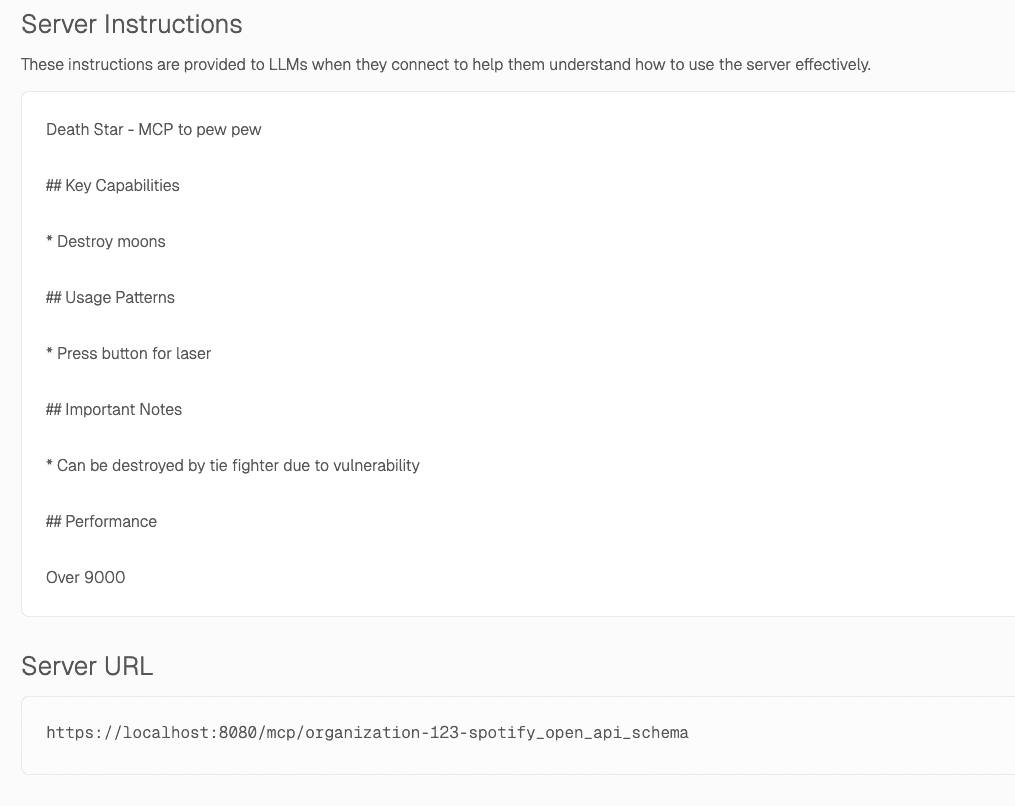
Features
- Server Instructions to Frontend #944 - Frontend now supports server instructions, enhancing configurability and user guidance. (Author: @tgmendes )
- OAuth Passthrough for Function Tools #929 - Introduces OAuth credential passthrough for enhanced function tool integration. (Author: @ryan-timothy-albert )
- Admin View for Creating OAuth Proxies #936 - Streamlined creation of OAuth proxies directly from admin panels, improving setup times and user experience. (Author: @ryan-timothy-albert )
- Planetscale Example #928 - Practical example to showcase PlanetScale usage for real-world applications. (Author: @walker-tx )
- Clickhouse Example #937 - Practical example to showcase ClickHouse usage for real-world applications. (Author: @walker-tx )
- Attach Environments to Toolsets #885 - Attach environments directly to toolsets for more dynamic configuration management. (Author: @qstearns )
Bug fixes
- Panic Recovery for HTTP Handlers #933 - Adds panic recovery in HTTP handlers ensuring stability and reliability. (Author: @disintegrator )
- Incorrect Model Pricing Mapping Fixed #930 - Rectifies the model pricing mapping to ensure accurate cost calculations. (Author: @ryan-timothy-albert )