Connect / Build and deploy
Build and deploy
Learn how to build, test, and deploy your Speakeasy Functions to production.
Deploying Speakeasy Functions is as simple as writing them. Deploying uploads your code to Speakeasy and creates the tools you’ve defined. You can then take advantage of all that the platform offers for hosting your tools as MCP servers, combining them with tools from other sources, building multi-tool workflows, and more.
Note
Your functions do not need to be organized as a single MCP server. They are deployed as individual tools that you can split apart or combine into MCP servers in the Speakeasy dashboard.
To build your tools, run the following command:
npm run buildThis compiles your tools into a zip file that can be deployed to Speakeasy.
Deploy
Section titled “Deploy”To deploy your tools to Speakeasy, run the following command:
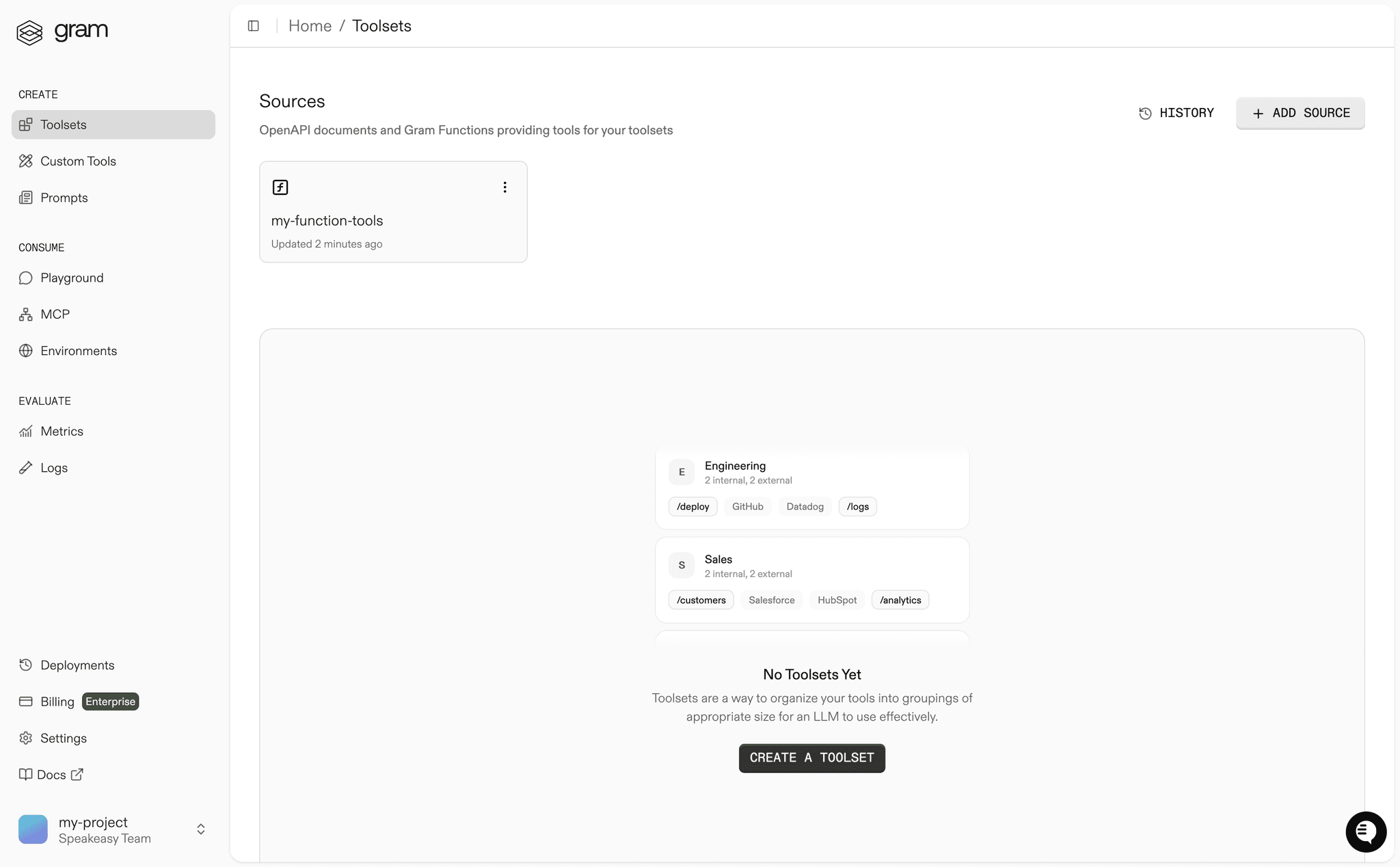
npm run pushThis uploads your tools to Speakeasy and creates the tools you’ve defined. In the Speakeasy dashboard, you will see the function source you just uploaded and the tools it created.
Next steps
Section titled “Next steps”Now that you’ve deployed your tools, you can start using them in MCP servers, build multi-tool workflows, and more. Head to the MCP servers documentation to learn more.