Connect / Using the MCP SDK
Using the MCP SDK
Learn how to use the Speakeasy MCP SDK wrapper for advanced tool development and MCP protocol features.
Overview
Section titled “Overview”The Speakeasy MCP SDK wrapper provides low-level access to MCP features. This allows you to deploy an MCP server built using the official MCP TypeScript SDK as a Function.

Basic usage
Section titled “Basic usage”To deploy an existing MCP server or a new MCP server as a Function using the MCP TypeScript SDK, you first need a file that exports an instance of McpServer.
import { McpServer } from "@modelcontextprotocol/sdk/server/mcp.js";import { z } from "zod";
export const server = new McpServer({  name: "demo-server",  version: "1.0.0",});
server.registerTool(  "add",  {    title: "Addition Tool",    description: "Add two numbers",    inputSchema: { a: z.number(), b: z.number() },  },  async ({ a, b }) => {    const output = { result: a + b };    return {      content: [{ type: "text", text: JSON.stringify(output) }],    };  },);
A simple gram.ts file then wraps that server so it can be deployed as a Function.
import { withGram } from "@gram-ai/functions/mcp";import { server } from "./mcp.ts";
export default withGram(server);
Resources
Section titled “Resources”MCP resources can also be deployed via Functions when using the MCP SDK wrapper.
import { McpServer } from "@modelcontextprotocol/sdk/server/mcp.js";import { z } from "zod";
export const server = new McpServer({  name: "demo-server",  version: "1.0.0",});
server.registerResource(  "a-cool-photo",  "resources://a-cool-photo",  {    mimeType: "image/jpg",    description: "This photo is really something",    title: "A Cool Photo",  },  async (uri) => {    let res = await fetch("https://picsum.photos/200/300.jpg");    return {      contents: [        {          uri: uri.href,          blob: Buffer.from(await res.arrayBuffer()).toString("base64"),        },      ],    };  },);
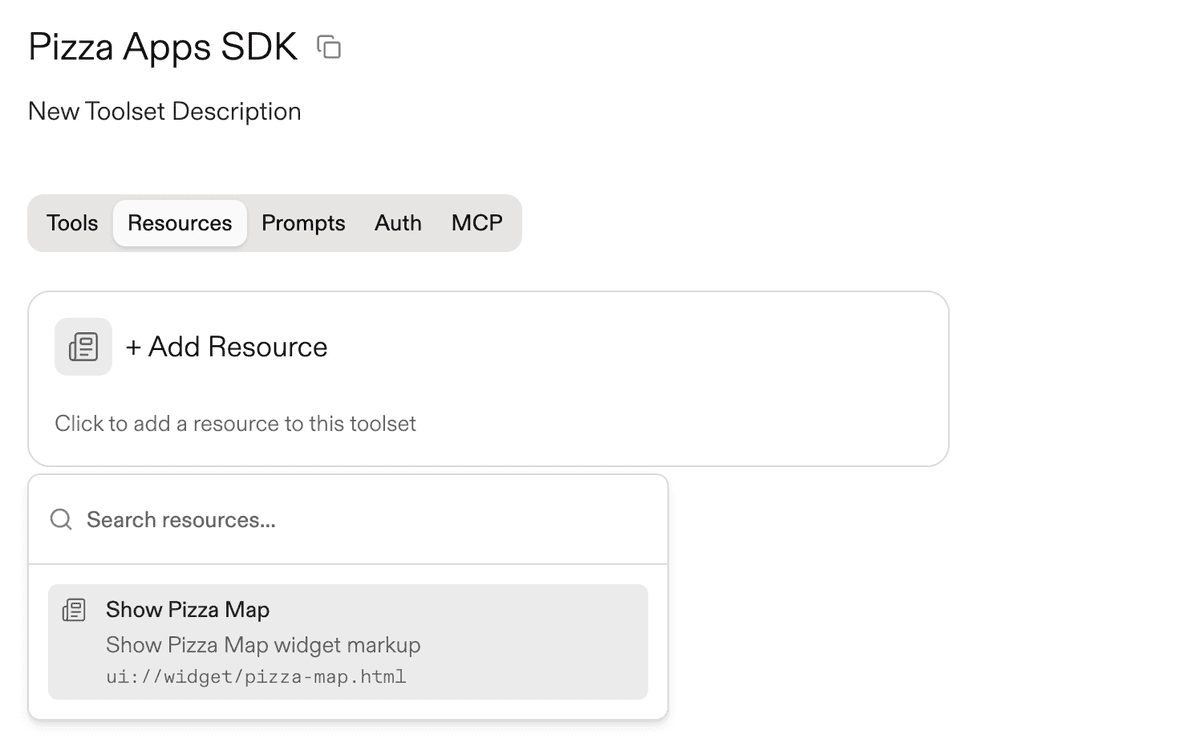
After running push, select the pushed resource to add it to a toolset.
Environment variables
Section titled “Environment variables”Specify credentials or environment variable values that you need to make available in your tool runner environment. These can be provided either via stored environments or via MCP headers set by the end user.
import { withGram } from "@gram-ai/functions/mcp";import { server } from "./mcp.ts";
export default withGram(server, {  variables: {    API_KEY: { description: "API key for authentication" },  },});
Next steps
Section titled “Next steps”- Build and deploy Functions.