Organization settings / Webhooks
Webhooks
Configure webhook delivery for platform events, including endpoint management and event subscriptions.
Webhooks deliver platform events, such as audit log changes and risk findings, to HTTP endpoints the organization controls. Open the page from Organization settings > Settings > Webhooks in the dashboard.
This feature is in beta and available to all organizations.
Access requirements
Section titled “Access requirements”Viewing the page requires the org:read scope, which both the Admin and Member default roles include. Toggling webhook delivery requires the org:admin scope, held only by the Admin role by default.
Enabling delivery
Section titled “Enabling delivery”The Enable Webhooks toggle turns delivery on or off. Disabling the toggle stops delivery without destroying existing configuration, so re-enabling it restores the previous setup.
Webhook configuration
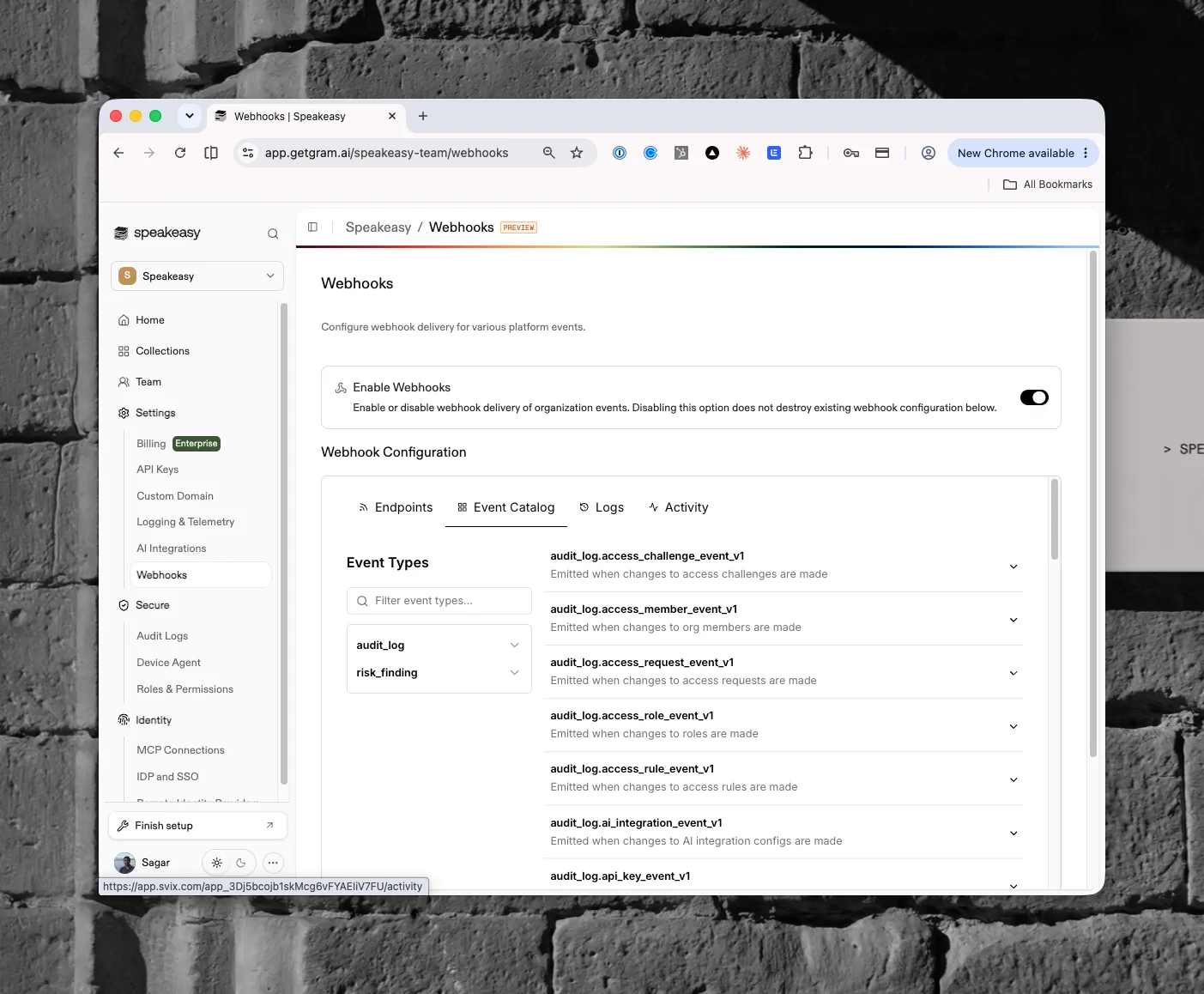
Section titled “Webhook configuration”Once webhooks are enabled, a Webhook Configuration section appears with four tabs:
- Endpoints: the destinations that receive events and their subscriptions
- Event Catalog: every event type available to subscribe to, filterable by name
- Logs: delivery history
- Activity: recent webhook activity
Event catalog
Section titled “Event catalog”Events group into two families. The audit_log events emit when organization resources change, one versioned type per resource: members, roles, access rules, access requests, access challenges, API keys, AI integration configs, and more (for example, audit_log.access_member_event_v1 emits when changes to org members are made). The risk_finding events emit for policy findings raised by risk policies. Each entry in the catalog expands to show its payload details. The audit_log.mcp_collection_event_v1 type remains listed for existing subscribers but no longer emits, since collections were removed from the platform.
Used by
Section titled “Used by”- Guardrails and Risk Events, which produce
risk_findingevents - Audit Logs, whose changes are delivered as
audit_logevents - Data export, an OTLP alternative for risk findings