Organization settings / Skill capture settings
Skill capture settings
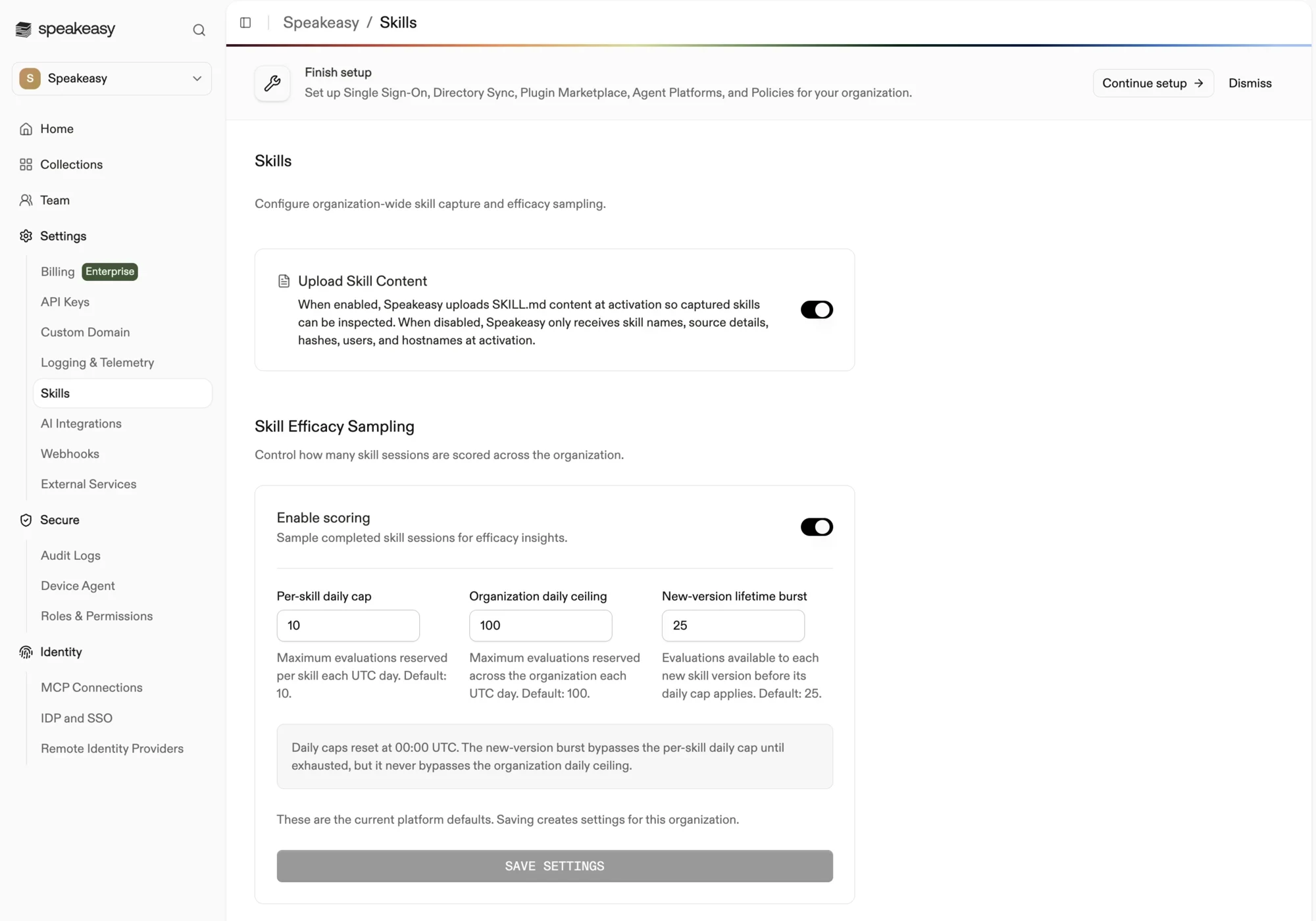
Organization-wide skill settings: skill content capture and efficacy sampling limits.
Skill capture settings decide whether the platform uploads skill content and how many skill sessions it scores for efficacy across the organization. Open them from Organization settings > Settings > Skills in the dashboard.
Access requirements
Section titled “Access requirements”Viewing and changing this page requires the org:admin scope, which only the default Admin role holds. Members see an access-restricted notice.
Upload Skill Content
Section titled “Upload Skill Content”When enabled, the platform uploads each skill’s SKILL.md content at activation so captured skills can be inspected from the Skills page. When disabled, the platform receives only skill names, source details, hashes, users, and hostnames at activation. The same toggle also appears on the Logging Settings; the two stay in sync.
Skill Efficacy Sampling
Section titled “Skill Efficacy Sampling”These settings control how many completed skill sessions are scored for efficacy insights across the organization.
- Enable scoring samples completed skill sessions for efficacy insights. Turning it off stops scoring entirely.
- Per-skill daily cap is the maximum number of evaluations reserved per skill each UTC day. The default is 10.
- Organization daily ceiling is the maximum number of evaluations reserved across the whole organization each UTC day. The default is 100.
- New-version lifetime burst is the number of evaluations available to each new skill version before its daily cap applies. The default is 25.
Daily caps reset at 00:00 UTC. The new-version burst bypasses the per-skill daily cap until exhausted, but it never bypasses the organization daily ceiling.
Until settings are saved, the page shows the current platform defaults. Saving creates settings specific to the organization.