MCP Gateway / MCP Gateway concepts
MCP Gateway concepts
The building blocks of the MCP Gateway: MCP servers and their three types, gateway endpoints, plugins and skills, environments, tools, and the controls that decide who reaches a server.
This page defines the objects the MCP Gateway works with and how they relate. For the request path every call follows through the gateway, and how the gateway fits with identity, security, and observability, see How the MCP gateway works.
MCP servers
Section titled “MCP servers”An MCP server is an address that MCP clients connect to. Each server is one source of tools.
Authentication, upstream credentials, visibility, custom addresses, team access, and tool logs belong to the MCP server, not to the system behind it. Those settings work the same way whatever the server’s type. Managing an MCP server walks through them tab by tab.
Server types
Section titled “Server types”Every server is one of three types, fixed when the server is created:
- Remote: an MCP server someone else runs, added by its URL or from the MCP Catalog. The gateway proxies whole MCP sessions to it. See Remote MCP servers.
- Tunneled: an MCP server inside a private network. A tunnel agent dials out to the platform, so the server gets a URL without any inbound connectivity. Tunneling is enabled per organization. See Tunneled MCP servers.
- Hosted: Speakeasy hosts the server, generated from an OpenAPI document or TypeScript functions. Uploading an OpenAPI document creates a hosted server automatically. A function becomes a server through Build a server on its source. Functions are enabled per organization. See Building MCP servers.
A server cannot change type, and it cannot proxy a remote URL and serve hosted tools at the same time. To combine servers of different types, use a gateway endpoint.
Gateway endpoints
Section titled “Gateway endpoints”A gateway endpoint puts several MCP servers, of any mix of types, behind one address, one sign-in, and one consent screen. The organization gateway is one such URL for the whole organization, reaching every server a person has access to. For when to use each, see Connecting agents to a gateway.
Plugins and skills
Section titled “Plugins and skills”A skill packages instructions an agent loads. The platform records every version of a skill, with diffs.
A plugin bundles MCP servers and skills, is assigned to roles, and is published to agent marketplaces such as Claude Code, Cursor, and Codex. Skills reach agents only by being bundled into plugins.
Device agent
Section titled “Device agent”Gateway controls apply only when an AI tool sends its MCP traffic through the gateway. A developer who adds a server URL by hand, or a tool update that resets its settings, can bypass the gateway entirely. The device agent closes that gap on developer machines and cloud coding sandboxes.
The device agent works with the gateway in four ways:
- Delivers plugins. The agent renders the organization’s plugins and MCP servers into the native configuration of Claude Code, Codex, Cursor, OpenCode, GitHub Copilot, OpenClaw, and Pi. Which plugins reach a device follows each plugin’s assignments. Entries the user added are left alone.
- Keeps configuration in place. The agent re-fetches and re-applies policy every 60 seconds by default, so gateway-routed servers survive tool updates, settings resets, and account switches.
- Routes access requests. When a policy blocks an unapproved MCP server, the developer gets a desktop notification that offers to file an access request. The request lands in the access review queue.
- Links to the organization gateway. The menu bar app links to the organization gateway, one URL for every server a person has access to.
The device agent is in beta and enabled per organization. For deployment through MDM and the other things the agent does, such as telemetry wiring and Shadow AI discovery, see Device agent in the AI Control Plane concepts.
Environments
Section titled “Environments”An environment is a reusable set of configuration and secrets shared across MCP servers. Sensitive values stay masked and centralized instead of living in each client configuration. Each project starts with an environment named Default.
A tool is one action an agent can call through a server. How a server gets its tools depends on its type.
Tool definitions
Section titled “Tool definitions”A hosted server’s tools start as tool definitions. When a source such as an OpenAPI document or a function is uploaded, a deployment processes it and converts it into tool definitions. For an OpenAPI document, that is every operation in the document. For a function, it is every tool declared in the function manifest.
The following image shows a source being processed into tool definitions:
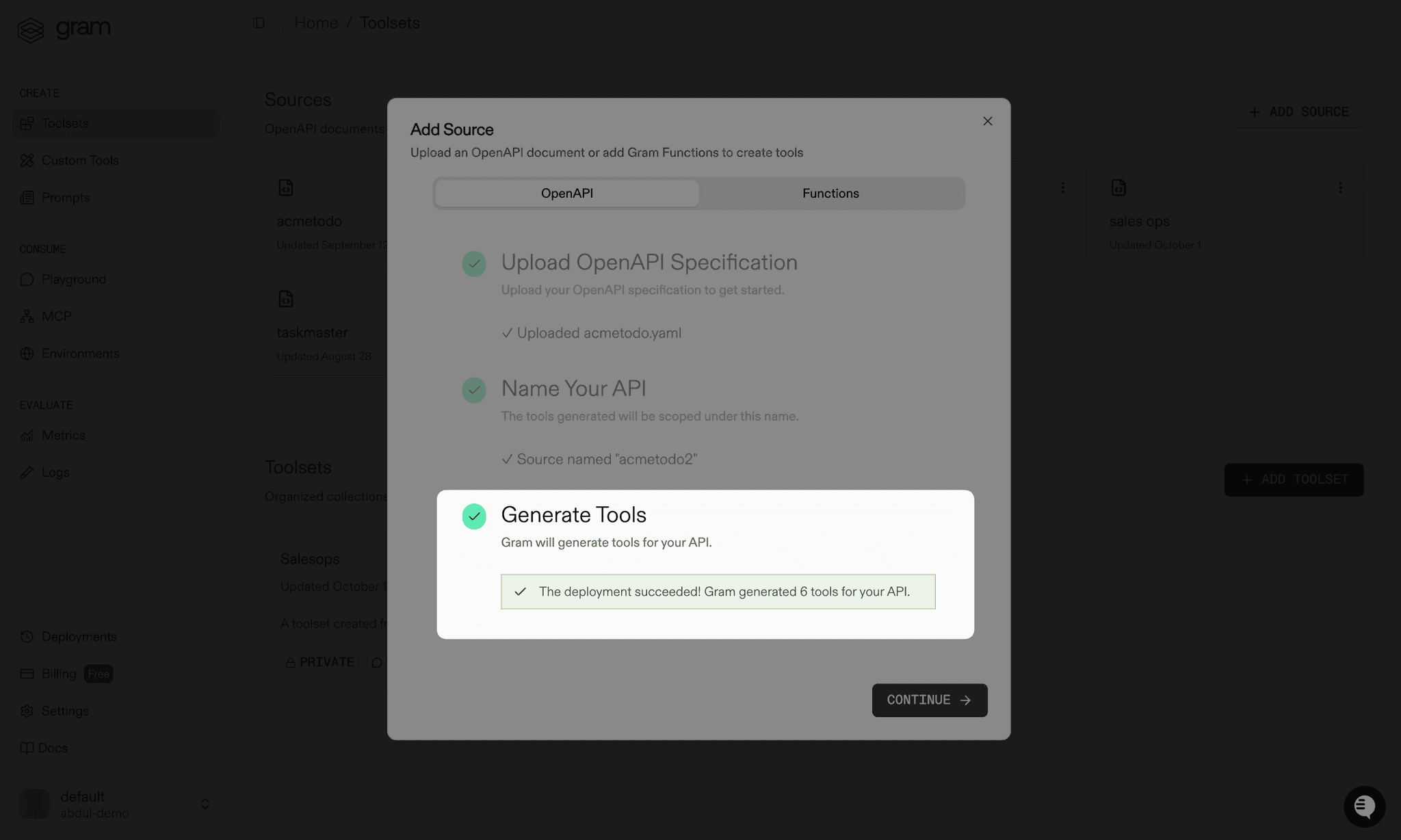
A tool definition holds both the metadata that describes the tool to an LLM and the configuration the platform uses to execute it, such as how to construct the HTTP request to an API. To build and send that request, the platform combines the tool definition with the server’s selected environment.
Captured per deployment or listed live
Section titled “Captured per deployment or listed live”Hosted servers and proxied servers get their tools in opposite ways:
- A hosted server captures its tool list once per deployment. Its Tools tab curates exactly which tools it exposes, alongside the resources and prompts it serves.
- A remote or tunneled server proxies
tools/listlive. Its Inspect tab connects to the server to list the tools it advertises.
The difference decides how tool changes propagate and which features apply to which server type. See Tool discovery.
Tool variations and recorded metadata
Section titled “Tool variations and recorded metadata”Tool metadata can be overridden without changing the source, in two ways that match the two discovery paths:
- A tool variation overrides a hosted tool’s name, description, tags, annotations, or confirmation prompt. Variations edit stored tool definitions, so they apply to hosted servers only. They are global: a variation applies to the tool on every MCP server that uses it. See Curating tools.
- Recorded tool metadata stores a title and annotation hints per tool name on a remote or tunneled server, layered over the live tool list. See Recording tool metadata.
Choosing which tools a server exposes
Section titled “Choosing which tools a server exposes”Giving an LLM access to too many tools can exhaust the context window, which may stop agents from working properly or lead the LLM to choose the wrong tool. Some models also cap the number of tools accepted in a single chat completion call.
Start from the specific task an agent should perform, then expose only the tools that task needs. A cohesive, task-focused server makes it much more likely that an agent uses an API correctly. Tools from different sources can be combined on one hosted server, so a server for finding inactive customers and emailing them a coupon might pair a customer lookup tool with an email tool.
Scoping servers this way also scopes access. A server for sales exposes a different set of tools than one for support, so each team’s agents see only what is relevant to their workflows.
Three features refine a selection further:
- Tool variations sharpen a tool’s name and description so the LLM picks the right tool.
- Tag-based tool filtering lets a client connect to a focused subset of a server’s tools by selecting tags at install time.
- The Playground tests a selection with natural language prompts before a real client connects.
Two authentication questions
Section titled “Two authentication questions”Authentication answers two separate questions, configured independently on each server:
- Who is calling the server? User sessions answer this. The platform acts as the authorization server and issues tokens to MCP clients.
- Which credential does the server use upstream? Upstream credentials answer this, either per person through authorization servers or with one shared credential for every caller.
A server can answer one question, both, or neither. See Access, OAuth, and sessions for how the two combine and where each server type configures them.
Visibility, network access, and team access
Section titled “Visibility, network access, and team access”Three separate controls decide who reaches a server. Each one is set independently, and changing one does not change the others:
| Control | Decides | Set from |
|---|---|---|
| Visibility | Whether the server serves traffic at all, and whether callers must authenticate: Disabled, Private, or Public | The status control on the server page |
| Network access | Which routes reach a remote or tunneled server: public URLs, the organization private network, or both | The server Settings tab, after Tailscale is connected |
| Team access | Which people, roles, agents, and groups may connect, view, or manage the server, and which tools they get | The server Team Access tab |
A private network route still requires authentication, and a public server still applies its upstream credentials. See Visibility and Team access.