SDKs
SDK contract testing in GitHub Actions
Automatically run Speakeasy tests on SDK pull requests or other events in a GitHub repository via GitHub Actions.
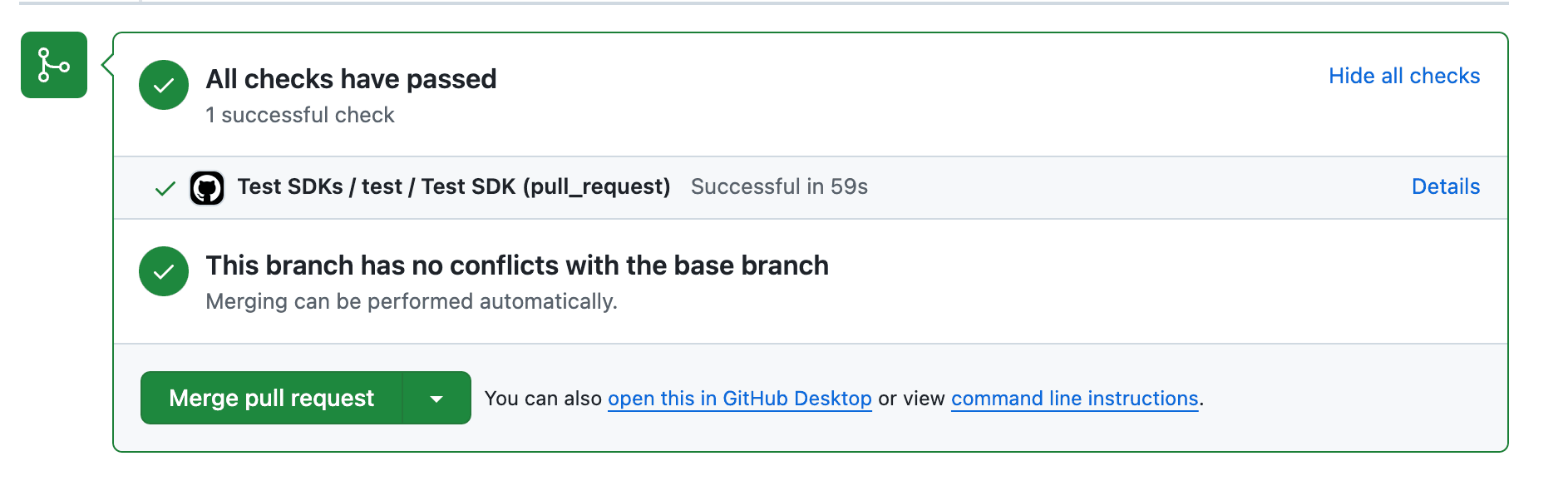
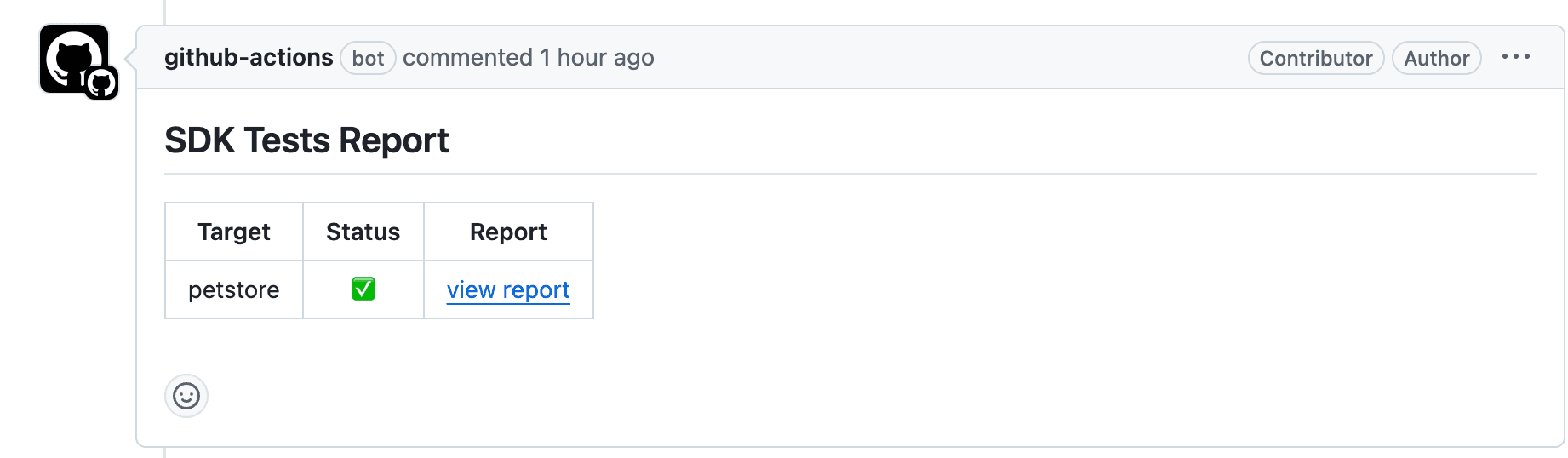
Setting up a Github Actions Check
Section titled “Setting up a Github Actions Check”This requires previously completing the Github Setup. After completing the setup, navigate to the SDK repository and run the following command:
# It's okay to run this command multiple times if you have already configured tests locallyspeakeasy configure testsThis command enables both generateTests and generateNewTests settings in your gen.yaml configuration file and produces a Github Actions workflow like the following that enables running SDK tests as a Github check on Pull Requests.
name: Test SDKspermissions:  checks: write  contents: write  pull-requests: write  statuses: write
on:  workflow_dispatch:    inputs:      target:        description: Specific target to test        type: string  pull_request:    paths:      - "**"    branches:      - mainjobs:  test:    uses: speakeasy-api/sdk-generation-action/.github/workflows/sdk-test.yaml@v15    with:      target: ${{ github.event.inputs.target }}    secrets:      github_access_token: ${{ secrets.GITHUB_TOKEN }}      speakeasy_api_key: ${{ secrets.SPEAKEASY_API_KEY }}
Ensuring Tests Run on Automated PR Creation
Section titled “Ensuring Tests Run on Automated PR Creation”Warning
Pull requests created by the action using the default GITHUB_TOKEN cannot trigger other workflows. When you have on: pull_request or on: push workflows acting as checks on pull requests, they will not run by default.
To ensure that testing checks run by default when an SDK PR is created, implement one of the following options.
Installing the Speakeasy Github App
Section titled “Installing the Speakeasy Github App”Installing the Speakeasy Github App and granting the App access to the SDK repository enables triggering testing runs after a PR is created. To install the app, visit this link or follow instructions in the CLI or dashboard.
Setting up your own Github PAT
Section titled “Setting up your own Github PAT”Another option is to create a Github Personal Access Token (PAT) that will be used to create PRs in the SDK repository. This is a workaround recommended by Github.
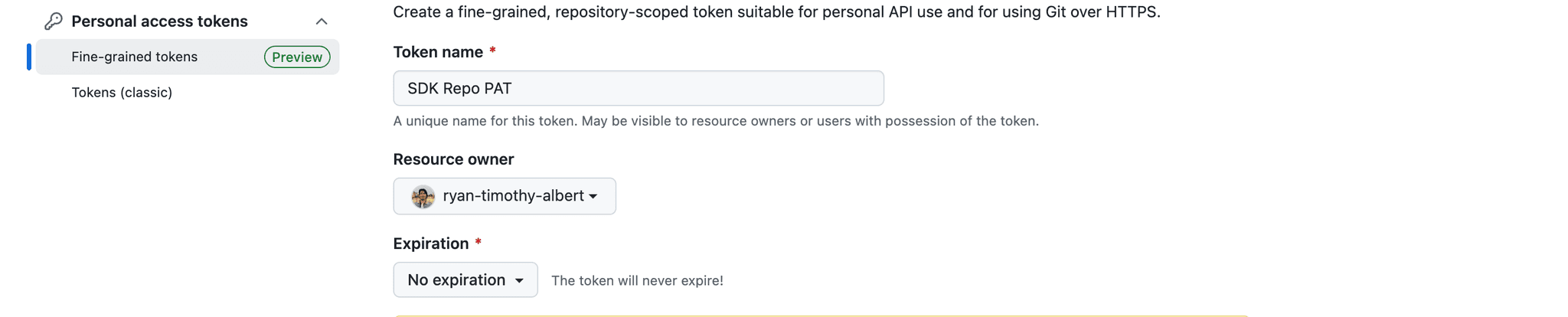
- Create a fine-grained PAT with
Pull requests Read/Writepermissions. Ensure it has access to the SDK repository. Setting this to no expiration is recommended.


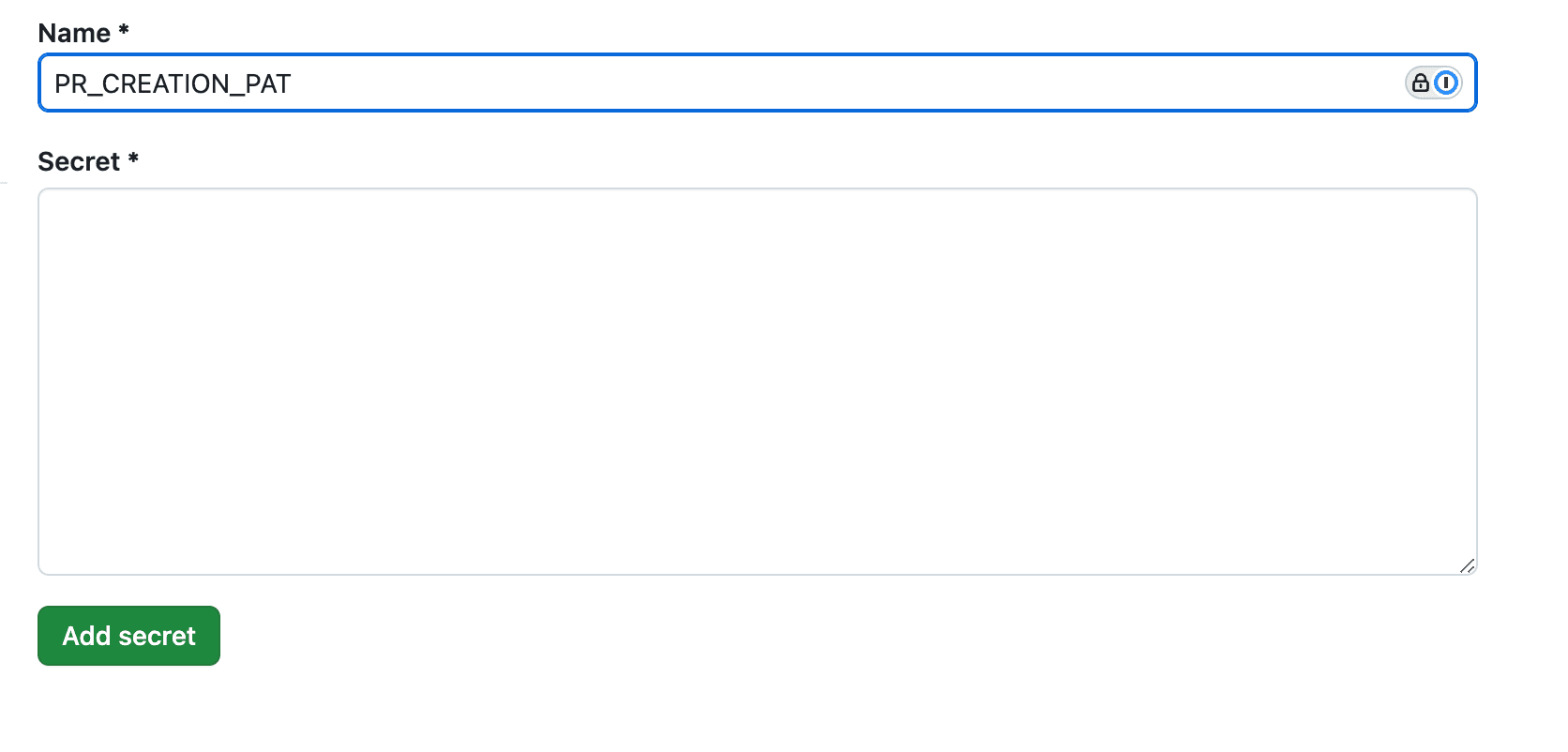
- In all SDK repositories, navigate to
Settings > Secrets and variables > Actionsand save the PAT as a Repository secret under the namePR_CREATION_PAT.
- In all sdk_generation.yaml workflows, add the
pr-creation-tokenas a provided secret at the bottom.
secrets: github_access_token: ${{ secrets.GITHUB_TOKEN }} speakeasy_api_key: ${{ secrets.SPEAKEASY_API_KEY }} pr_creation_pat: ${{ secrets.PR_CREATION_PAT }}Running in Direct mode
Section titled “Running in Direct mode”If your generation action is running in direct mode where SDK updates get immediately pushed to main, testing will run as part of the generation action.
If tests fail, the generation action will fail and not push your SDK changes to main.